
Practical guide
Pending transactions explained: why totals change after a few days
What's normal, what's not, and how to keep your reports accurate.
Stitch Money Editorial Team · Published March 14, 2026
Editorial policy and correction standards
- Explains normal pending-to-posted behavior
- Shows when duplicates are expected versus problematic
- Provides a checklist for accurate reporting decisions
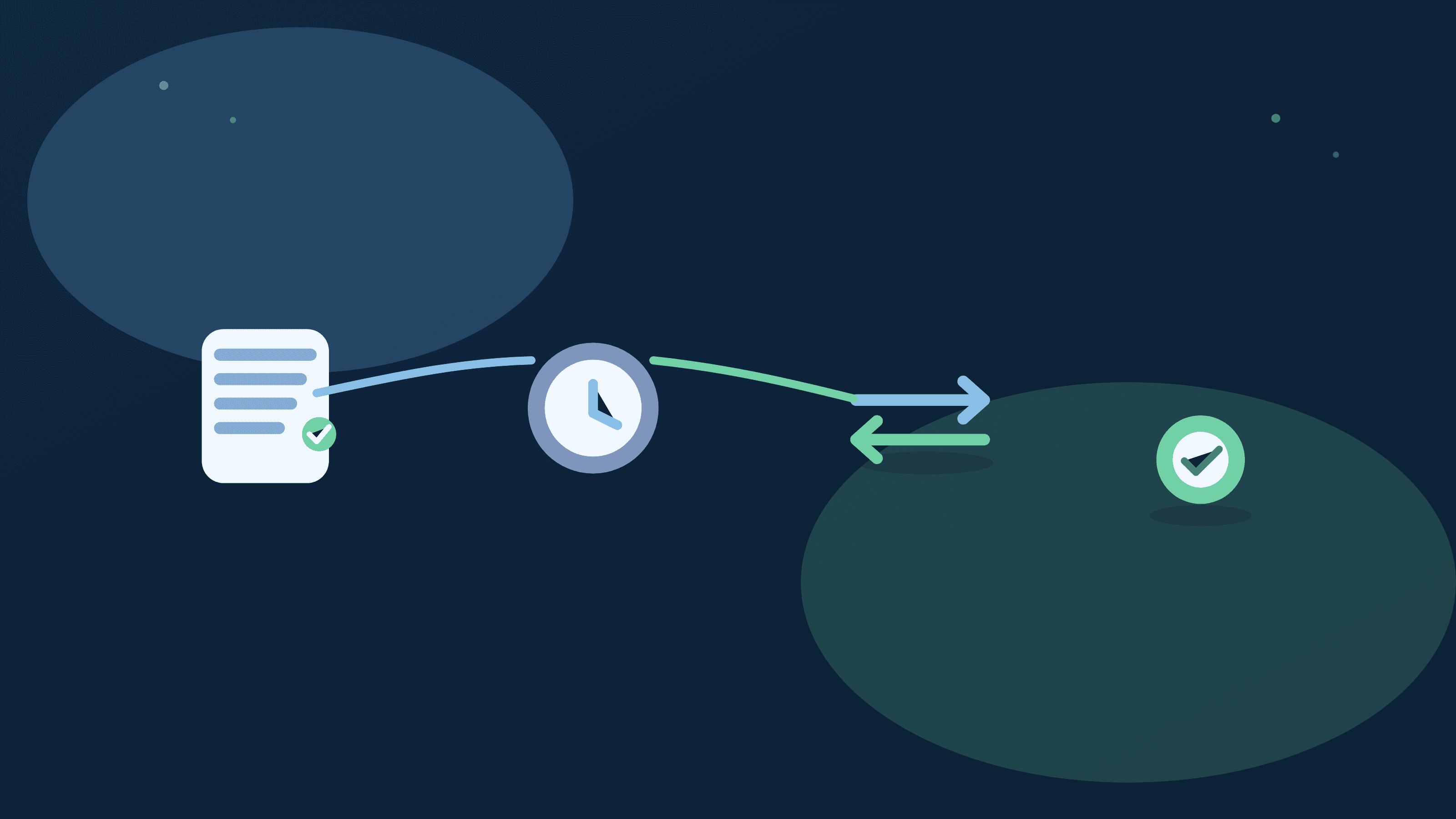
Pending transactions are one of the biggest sources of confusion in spending apps. A charge appears, disappears, then reappears with a slightly different amount or timestamp. That can make totals look unstable for a few days.
Most of this behavior is normal. The key is knowing what to wait for and what to fix. Once you understand pending versus posted flow, charts and category totals become much easier to trust.
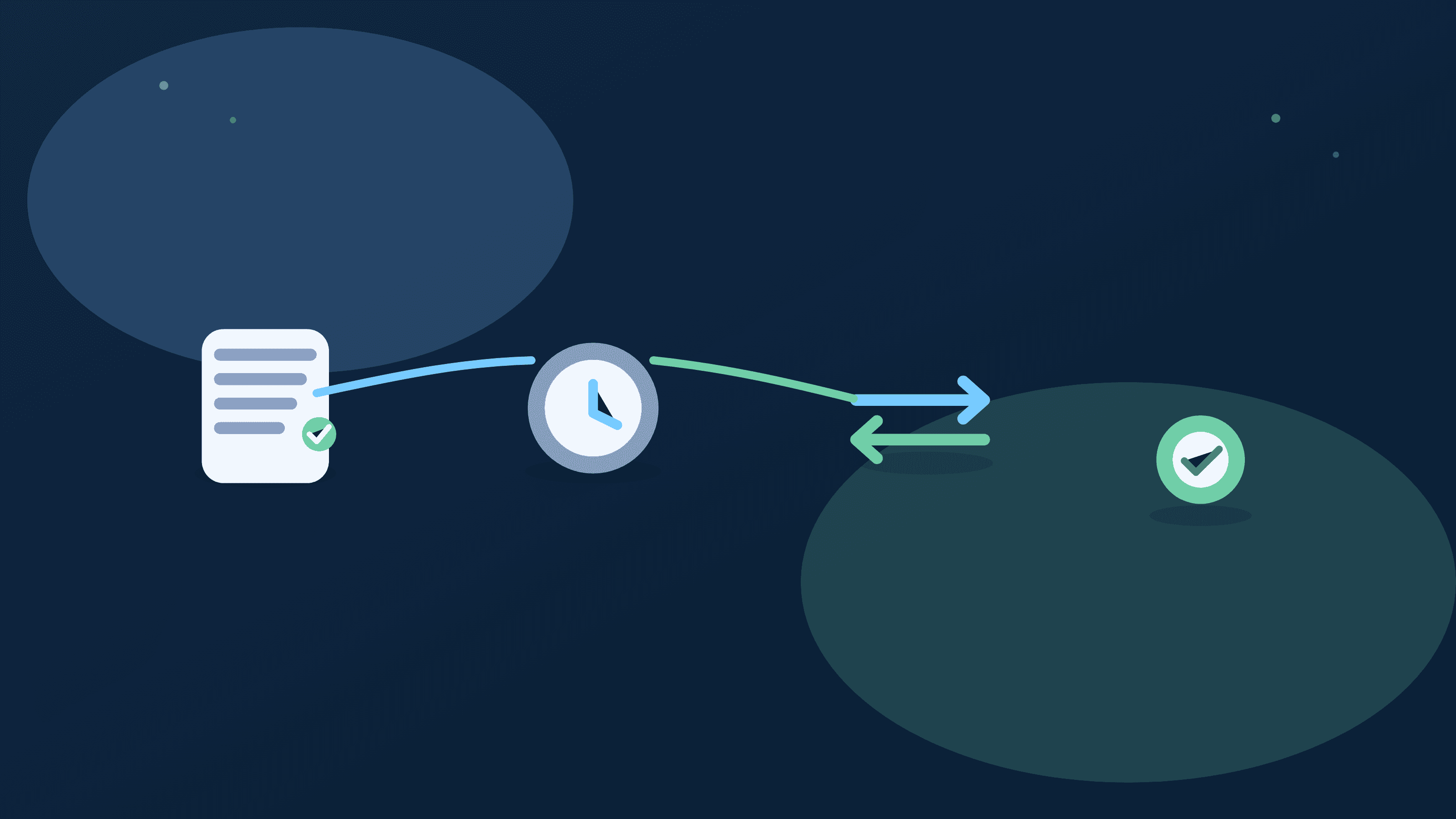
Pending versus posted in plain English
Pending records are temporary authorizations; posted records are settled transactions that should drive final reporting and monthly analysis.
Why totals can change for a few days
Final posted amounts may differ from pending values due to tips, fuel holds, merchant adjustments, or delayed settlement timing.
Normal duplicate-looking patterns
Seeing a pending entry plus a posted entry briefly can be normal if the pending item hasn't yet cleared out of the feed.
When to intervene
Intervene when duplicates persist after settlement windows, or when category assignment remains wrong after the posted transaction stabilizes.
How to keep reports accurate
Base monthly decisions on posted data, and use pending entries as short-term signals rather than final accounting outcomes.
Pending transaction sanity-check list
- Confirm whether the charge is still pending or already posted.
- Allow typical settlement time before manually correcting duplicates.
- Check final posted amount and category after settlement.
- Escalate only if duplicate or mismatch persists beyond expected window.
Helpful next reads
Two pending-to-posted scenarios
Example 1: Restaurant tip adjustment
Pending charge appears at $42, then posts at $53 after tip. Daily totals shift, but final posted value is correct for monthly reporting.
No manual fix needed; wait for settlement before judging category movement.
Example 2: Gas station hold
A $150 pending fuel hold appears, then final posted charge settles at $48 two days later. Temporary spike disappears after posting completes.
Short-term noise is resolved without distorting month-end totals.
Common mistakes
- Editing or recategorizing pending entries before final posted values settle.
- Treating temporary pending spikes as permanent spending changes.
Pro tips
- Use posted-only filters for final monthly analysis.
- Track recurring pending anomalies by merchant to spot true cleanup needs.
How Stitch helps you read pending data correctly
Transactions view makes pending versus posted status visible so users can distinguish temporary authorization noise from settled spending.
Spending and reporting views become more accurate when decisions are anchored to posted values and recurring anomalies are reviewed weekly.
Frequently asked questions
How long do pending transactions usually take to post?
Many settle within one to three days, though timing can vary by merchant and payment network.
Why does one charge sometimes show twice?
A pending authorization and a final posted charge can overlap briefly before the pending item clears.
Should I categorize pending transactions?
It's usually better to wait for posted settlement before final categorization decisions.
Can pending transactions change amount?
Yes. Tips, holds, and merchant adjustments can alter the final posted value.
When is a duplicate actually a bug?
If duplicate entries persist after normal settlement windows, it may need manual correction.
How does Stitch show pending status?
Stitch transaction views indicate pending versus posted states to support cleaner review workflows.