Transactions

Track every transaction in one list so review becomes a habit instead of a chore

A useful transaction tracker needs search, filters, and enough context to answer what happened without opening three different accounts.

  • See transactions across connected accounts in one place
  • Search and filter quickly by merchant, category, or timing
  • Review and clean up the details that make reports more accurate
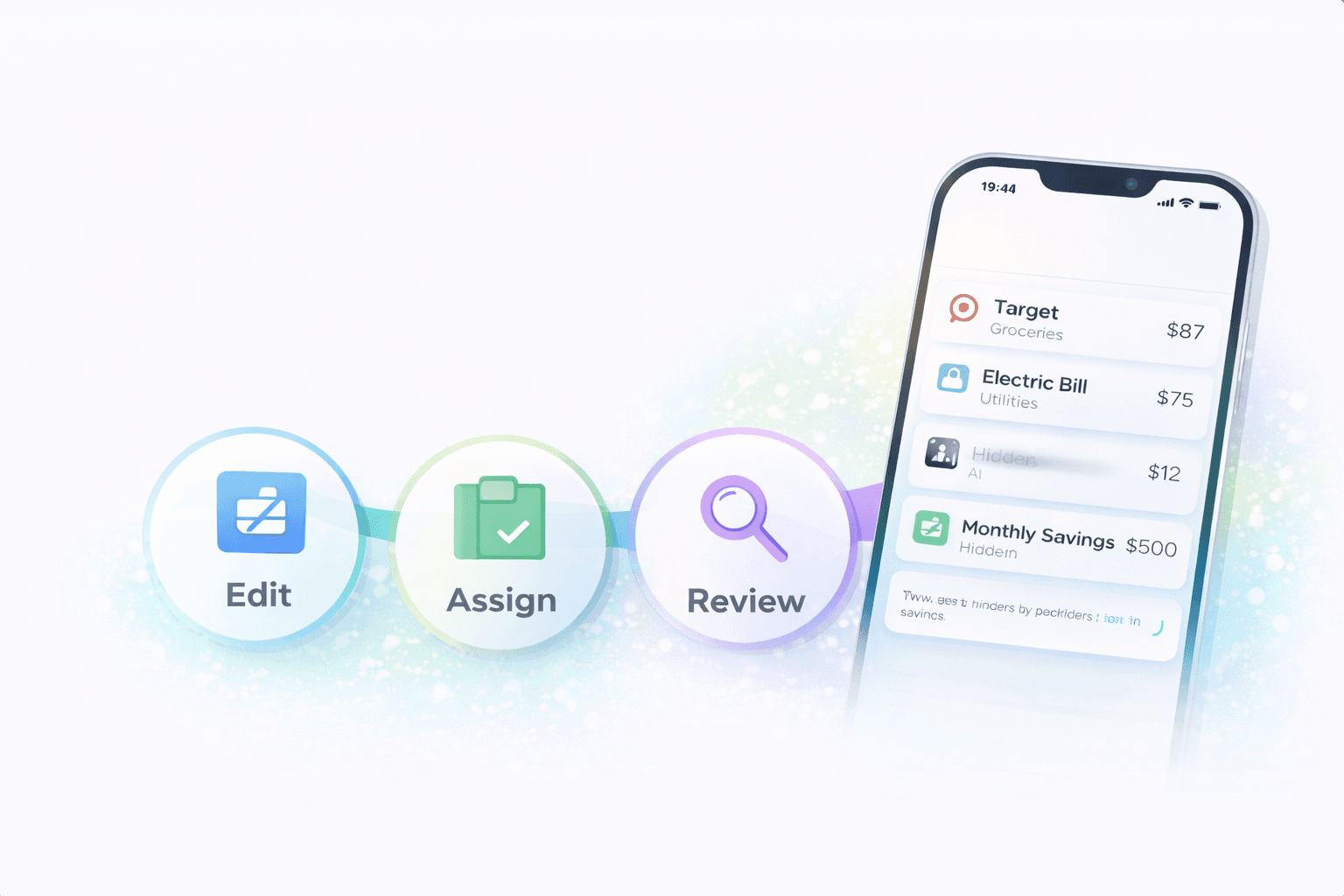
Stitch Money transaction tracker with filters and review actions
The transaction list is the foundation for recurring tracking, reporting, and faster household reviews.

Review flow

Search, filter, confirm

  • Last 7 days filtered
  • Uncategorized items surfaced first
  • Merchant search resolves confusing labels

The transaction list is where most money clarity starts. If it's hard to search, hard to filter, or spread across too many accounts, everything else gets harder: reports, recurring review, household conversations, and category cleanup.

A good transaction tracker pulls everything into one list, makes it easy to filter the last week or month, and keeps review fast enough that you will actually keep doing it.

What makes a transaction tracker genuinely useful

You need one unified list, fast search, useful filters, and a clean way to edit or confirm transaction details. Without those basics, the list becomes a passive archive instead of an active review tool.

The household context matters too. A transaction tracker is more valuable when it can show which member, account, or category context explains the charge immediately.

Why transaction review drives better reporting

Spending reports, recurring lists, and category charts all depend on transaction quality. If the merchant is messy or the category is wrong, every downstream summary gets weaker.

That's why short transaction reviews pay off. A few corrections each week keep the rest of the system trustworthy without requiring a huge cleanup session later.

How to review transactions quickly

  1. Start with the last seven days so the details still feel familiar.
  2. Filter for uncategorized, unusual, or larger-than-usual charges first.
  3. Search by merchant when a name looks unfamiliar or inconsistent.
  4. Confirm the details that affect recurring tracking, reports, or shared bills.

Two transaction reviews that save time downstream

Example 1: Catching a wrong category before month-end

A $412 home improvement run lands in groceries because of a messy merchant label. Fixing it during the weekly review prevents the grocery report from looking inflated all month.

One quick correction keeps the spending report and budget conversation accurate.

Example 2: Finding a duplicate household charge

Two members both paid a $12.99 media service on different cards. The unified transaction list makes the overlap obvious during a filtered search for the merchant.

The duplicate is easier to spot in one searchable list than across separate statements.

Common mistakes with transaction tracking

  • Using the list only as a place to scroll, without actually filtering for the charges that need review first.
  • Putting off transaction cleanup until month-end, when the details are harder to remember and the backlog feels annoying.

Pro tips for faster transaction review

  • Review the newest week first because memory is still fresh and corrections take less effort.
  • Use merchant search for anything unfamiliar before you assume it's fraud or noise; many confusing names are just messy labels.

How Stitch keeps the transaction list usable

Stitch brings connected transactions into one place with search, filtering, and review workflows that make weekly cleanup realistic. That helps households keep the raw data clean enough for recurring insights, reporting, and shared planning.

Because the list sits beside the rest of the financial views, a transaction correction improves the downstream dashboards immediately instead of living in isolation.

The transaction list should feel inspectable and current

Households need to trust the transaction layer before they trust any summary built on top of it. Stitch keeps the transaction view searchable, current, and tied to connected account activity so review is more straightforward.

Frequently asked questions

What should a transaction tracker include?

It should include one unified list, search, filters, and enough edit or review controls to keep the data accurate over time.

Why is a unified transaction list better than checking each bank app?

Because it shows the full picture in one place, which makes duplicate charges, category drift, and household patterns easier to spot quickly.

How often should I review transactions?

A quick weekly review is a strong baseline because the details are still fresh and the backlog stays manageable.

What transactions should I review first?

Start with uncategorized charges, large surprises, and anything that affects recurring tracking or shared bills.

Can a transaction tracker help with subscriptions?

Yes. A searchable list makes it easier to find recurring patterns, duplicates, and hidden digital charges.

Do households benefit from one shared transaction view?

Yes. Shared visibility helps everyone review the same data instead of relying on separate bank statements and memory.

Get started

Get one transaction list you can actually review

Create a free Stitch account to search, filter, and clean up transactions in one place across your connected accounts.