Reports

Use spending reports to see what changed, not just what you spent

A useful spending report shows category and merchant movement over time, then helps you trace the change back to real transactions.

  • Compare spending by category and merchant
  • Spot month-over-month changes faster
  • Drill into what actually moved the number
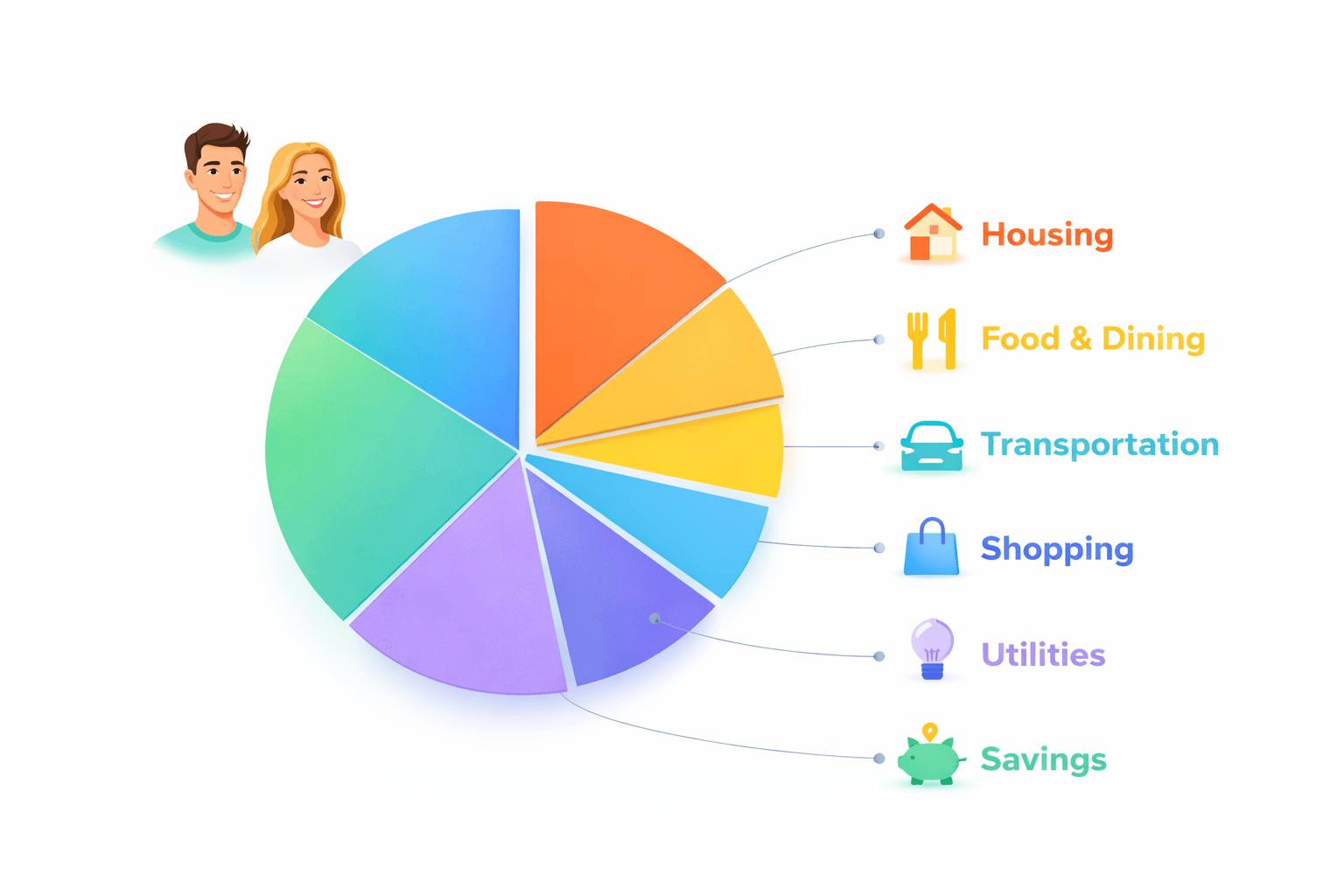
Stitch Money spending report visualization by category
A useful report answers what changed first, then lets you inspect the cause.

What changed

Category and merchant context

  • Groceries: +$170 month over month
  • Top driver: warehouse store run
  • Action: no ongoing issue unless repeat persists

Spending reports are most useful when they answer one question quickly: what changed. A static pie chart is fine, but households usually need to know why groceries jumped, which merchant drove the category, and whether the shift is a one-off or a trend.

That's why the best spending reports combine trends, merchant context, and easy drill-down. Stitch keeps the reports tied to the underlying transaction review so the numbers stay actionable.

What a practical spending report should include

At minimum, you want category totals, merchant breakdowns, and a comparison against a prior period. Without the comparison, it's hard to tell whether a category is actually unusual or just large in general.

The merchant layer matters because categories can hide the real story. A dining category increase might actually be one expensive birthday dinner, while a grocery increase may be a broad month-long shift.

How to read 'what changed' without overreacting

Not every spike needs a system overhaul. A strong spending report helps you tell the difference between one unusual week and a trend that deserves a budget change.

That's why period-over-period comparison matters. Once you know the category moved, you can decide whether it was volume, timing, one merchant, or a recurring charge driving the change.

How to review spending reports efficiently

  1. Check the categories with the biggest absolute dollar changes first.
  2. Use merchant details to confirm whether the change was broad or isolated.
  3. Compare against the prior period before changing your budget.
  4. Tie any big change back to the transaction list so you can verify the cause quickly.

Two spending-report insights that save time

Example 1: Grocery category up, but one merchant explains it

Groceries rise from $620 to $790 month over month. The report shows a single $168 warehouse run that replaced several smaller trips, while the rest of the category stayed almost flat.

The category looks dramatic until the merchant breakdown reveals the real story.

Example 2: Dining category drift over six weeks

Dining out increases by about $45 per week for six straight weeks, moving from $210 monthly to roughly $390. The trend isn't one event; it's a real change in routine.

The comparison view helps you tell a trend from a one-time spike.

Common spending-report mistakes

  • Reacting to one large category without checking whether a single merchant or one-time event caused the movement.
  • Reviewing totals without comparing them to the prior month or recent weekly average.

Pro tips for better report reviews

  • Look at the biggest dollar movers first; small categories rarely explain the overall budget shift.
  • Use merchant trends to decide whether you need a behavior change, a category adjustment, or no action at all.

How Stitch turns reporting into a practical workflow

Stitch combines category reporting, merchant visibility, and transaction review so households can see what moved and confirm why without leaving the same workflow. The result is faster, less speculative reporting.

That makes spending reports useful for weekly check-ins as well as monthly resets. You can identify a change, inspect the source, and decide whether it matters enough to act on.

Reports are only as reliable as the underlying transaction detail

Category charts become misleading when merchants are messy or transactions aren't reviewed. Stitch keeps reports tied to the transaction layer so the insights stay grounded and easier to trust.

Frequently asked questions

What should a spending report show?

A good spending report should show category totals, merchant context, and comparisons against a prior period so you can understand what changed.

Why are merchant details important in reports?

Because categories often hide the real cause of a change. Merchant detail tells you whether the shift was broad or concentrated in one place.

How often should I review spending reports?

A quick weekly review plus a slightly deeper monthly comparison works well for most households.

Do I need reports if I already track a budget?

Yes. Budgets show the target. Reports show what actually happened and what changed relative to that target or to prior periods.

How do I know if a spending increase is a trend?

Compare more than one period and check the merchant layer. A real trend usually persists beyond one unusual transaction.

Can shared households use the same spending reports?

Yes. Shared reports help everyone look at the same numbers before discussing what needs to change.

Get started

Turn transaction history into clearer spending reports

Create a free Stitch account to compare categories, review merchants, and understand what changed faster.