
Why budgeting communities share Sankey screenshots
A cash flow sankey surfaces your biggest money leaks instantly, which is why these charts spread quickly in budgeting forums.
Build your spending sankey in under five minutes.
Create your Sankey (Free)Budget Sankey Diagram
See your income → bills → spending → savings in one chart.
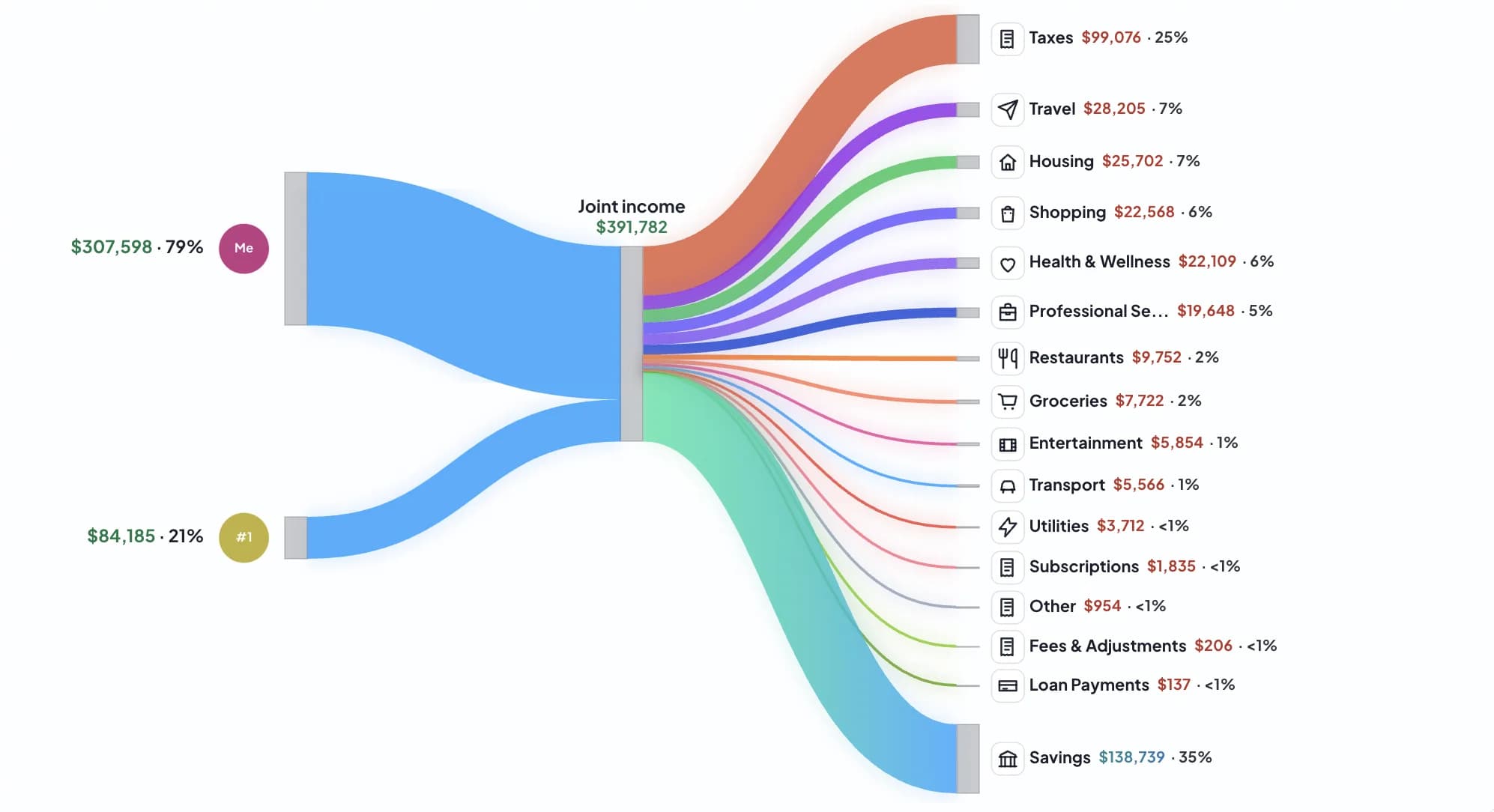
A cash flow sankey surfaces your biggest money leaks instantly, which is why these charts spread quickly in budgeting forums.
A spending sankey puts proportions first. You can see where most dollars go before drilling into line items.
The same money flow chart can be shared with your Patch, with options to hide amounts and simplify labels.
“This gives me such a better overview of where our money actually goes each month.”
As seen in budgeting communities and household money threads.
Interactive Demo
Click any income or expense value to edit it, then add/remove members or categories. This demo uses example data only and never reads personal accounts.
Why Sankey Works
A Sankey diagram is a proportional flow chart. Link width maps directly to dollars so you can spot big hitters instantly.
Pie charts show category shares but lose context. A cash flow sankey connects sources, hubs, and destinations in one view.
How It Works
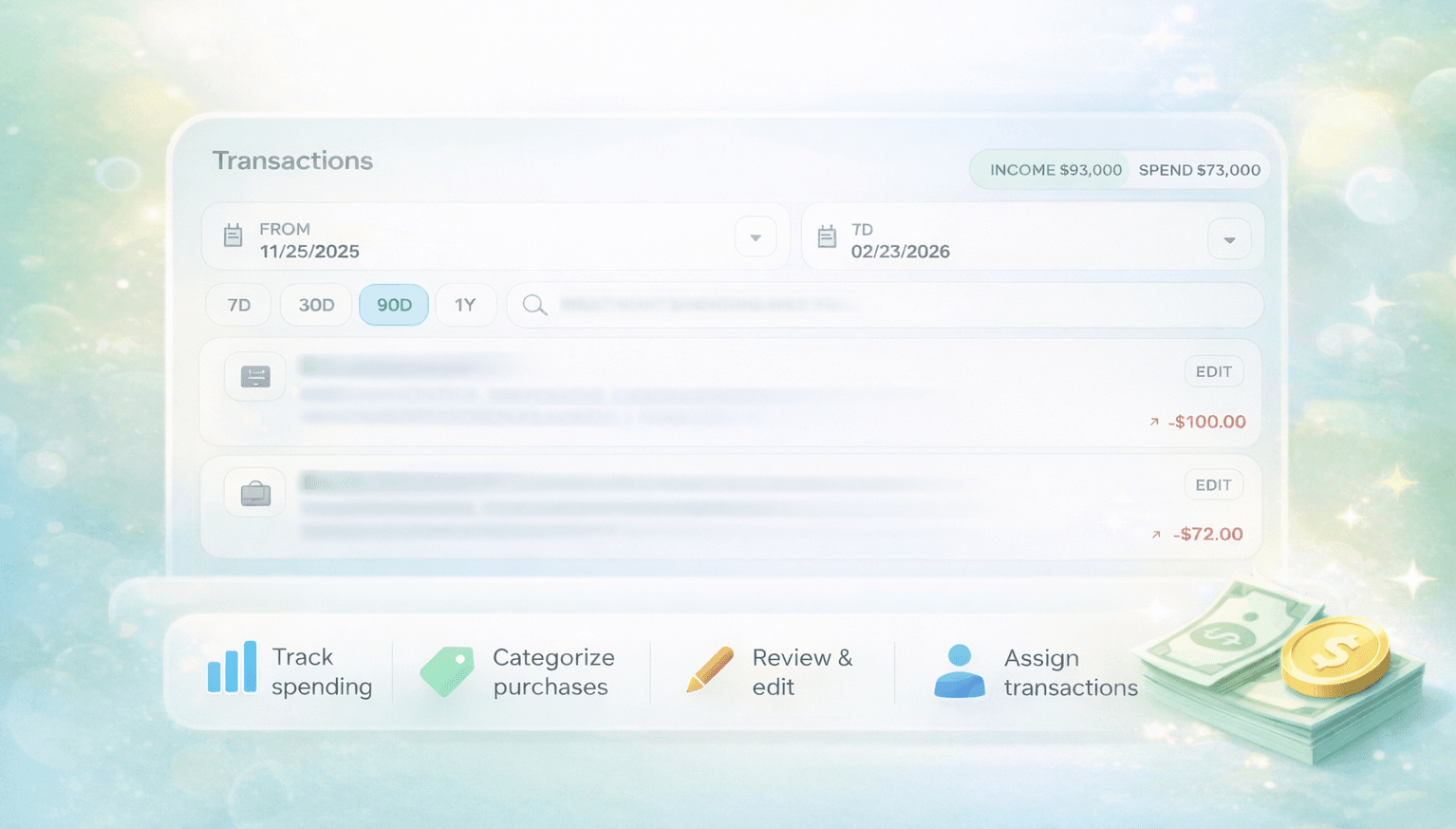
Securely connect your core accounts to establish your budget sankey baseline.
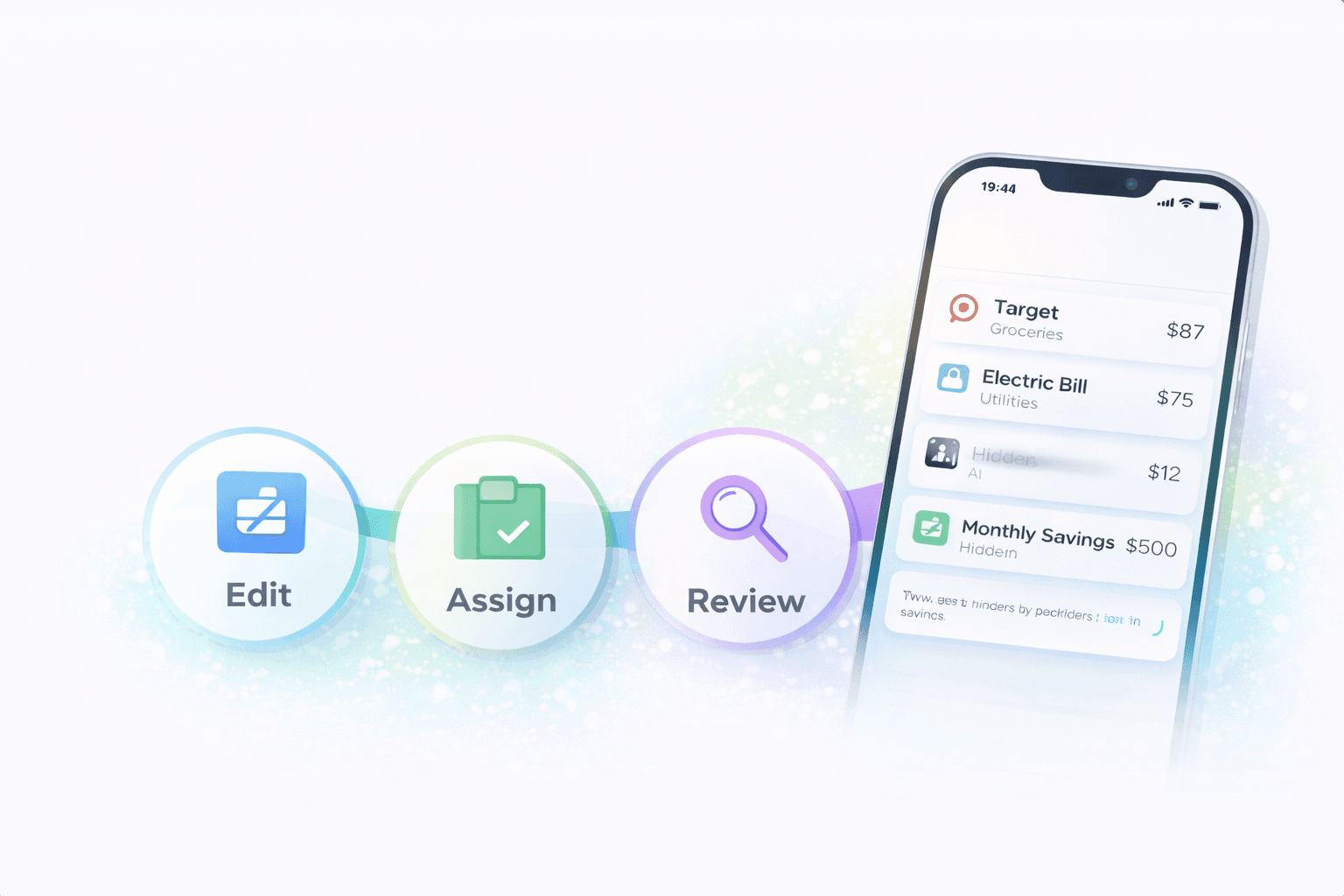
Stitch classifies transactions and recurring bills so your spending sankey remains useful week to week.
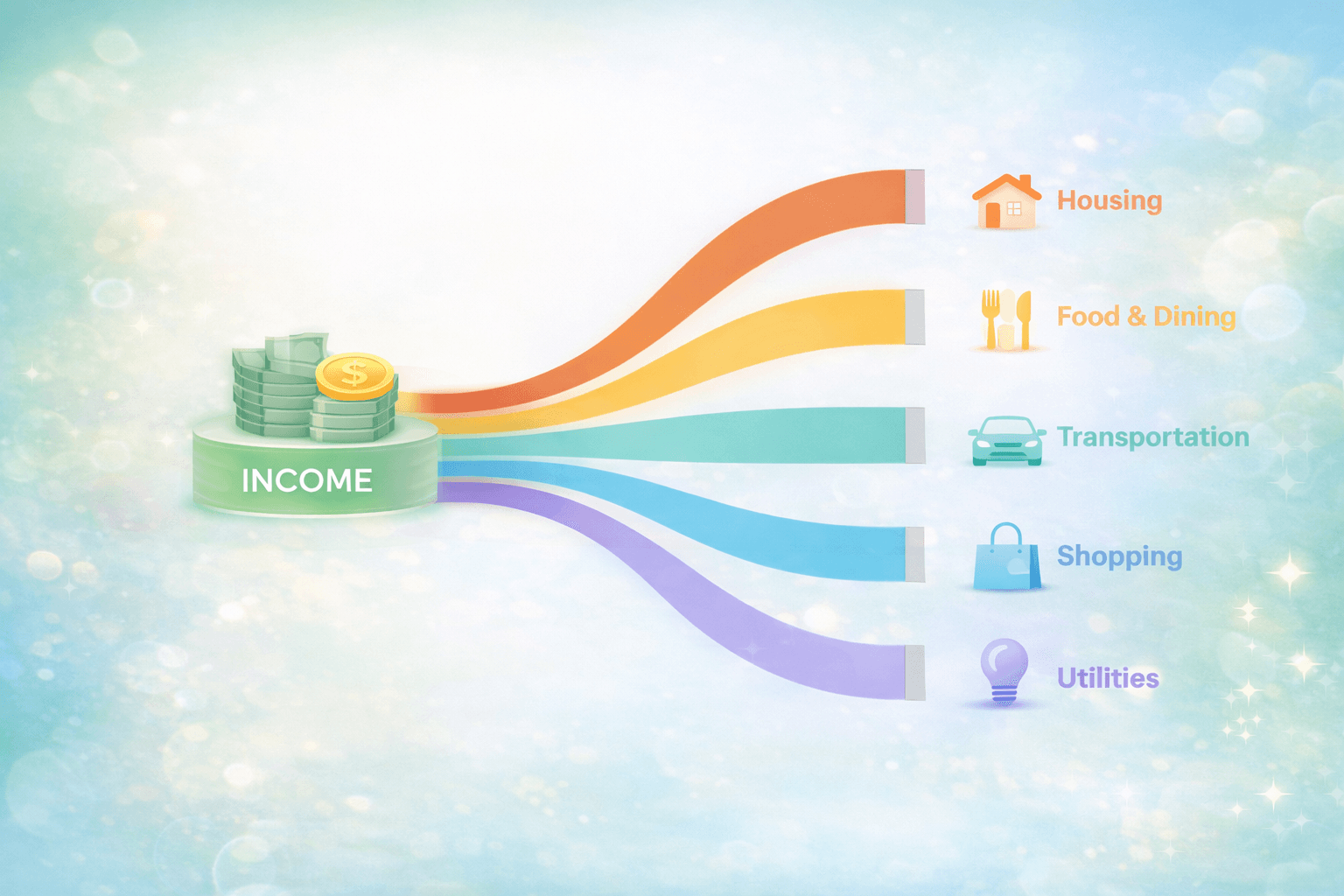
Switch privacy view settings, then copy image or download PNG for your partner, coach, or annual review.
Made for Households
Invite a partner or roommate so everyone sees the same picture and can align decisions faster.
Get one shared source of truth before monthly check-ins and avoid spreadsheet drift.
Stress-test housing scenarios by seeing where your current money flow chart is already tight.
Switch to yearly and quickly summarize big shifts in spending, transfers, and savings.
Your personal data stays in your account context. Shared exports are generated by your chosen view settings and can omit sensitive values.
Read details in our Privacy Policy and Security section.
Accuracy on tricky transactions
Credit-card payments can be separated so they do not look like fresh discretionary spend.
Internal transfers can be excluded or shown separately so your spend buckets stay truthful.
Savings is computed as net flow remaining after included outflows in the selected timeframe.
FAQ
A Sankey diagram is a proportional flow chart. Thicker lines mean larger money flows from income to spending categories and savings.
Yes. You can switch to hidden amounts or percent-only before exporting or sharing the chart.
Yes. In Stitch charts you can hide names and share a cleaner, privacy-safe view for household discussions.
Transfers and credit card payments can be excluded or shown separately so your spending sankey is not double-counted.
Yes. You can export both PNG and SVG files from the Sankey view for reports, slides, or sharing.
Yes. Stitch has a free plan, and you can create and explore a Sankey view without paying first.
Yes. Stitch uses Patch invites so couples, roommates, and families can review one shared cash-flow picture together.
Turn your budget into a shareable, accurate money flow chart today.
Create your Sankey (Free)