
Money news you can use
Budget app switching checklist for 2026 (without losing your setup)
A migration plan for people leaving one finance app for another and wanting clean data from week one.
Stitch Money Editorial Team · Published March 15, 2026
Editorial policy and correction standards
- Prevents migration mistakes that break recurring and category accuracy
- Keeps your household workflow intact during the switch
- Includes a two-cycle cutover plan
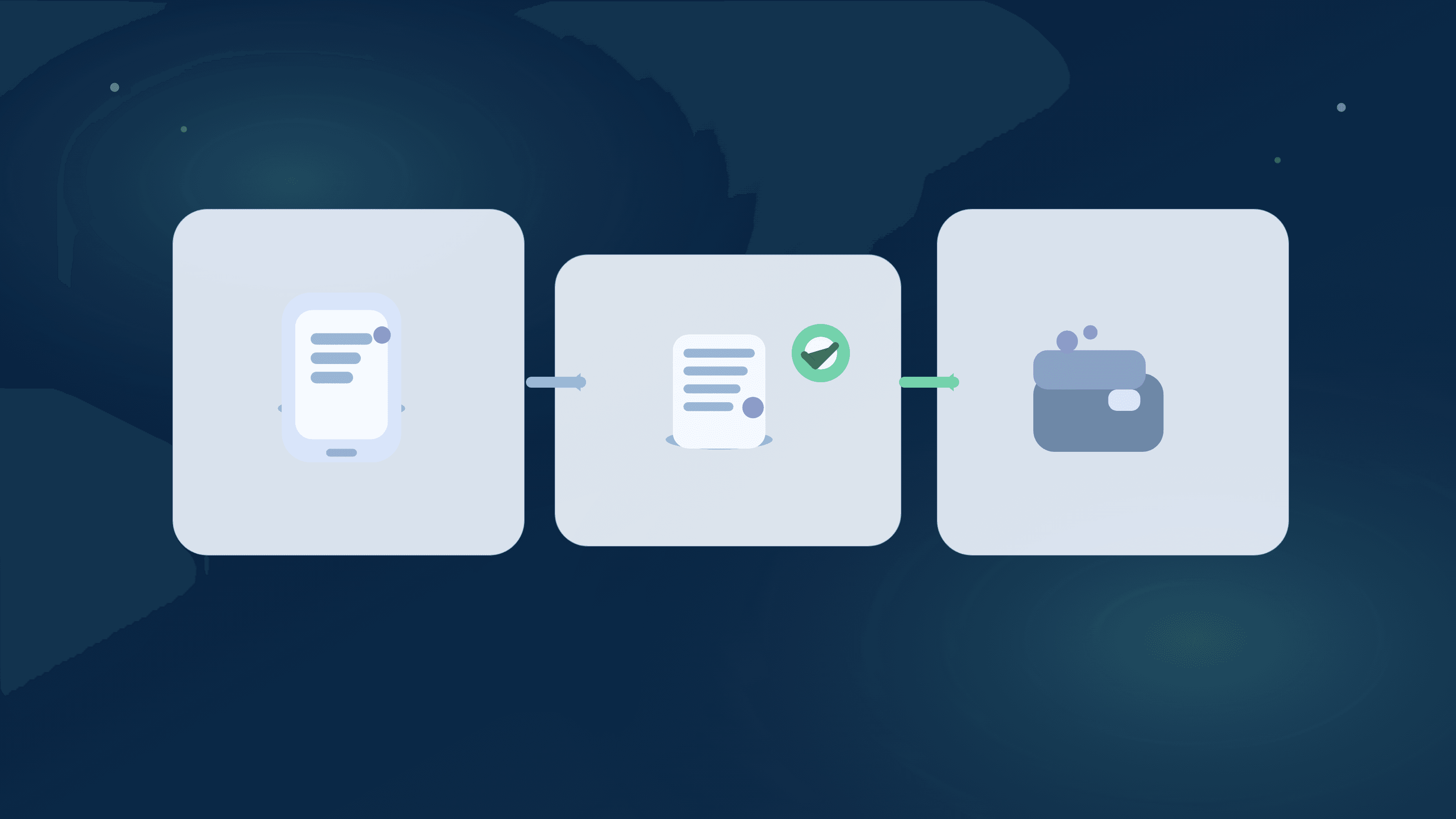
Switching budgeting apps should reduce friction, but many migrations create short-term chaos: missing recurring charges, mis-labeled merchants, and totals that don't match what users expected.
A clean switch has sequence. You audit your current setup, carry forward only useful structure, and validate one full billing cycle before declaring the new app stable.
Why most budget-app migrations feel worse at first
People often compare dashboards before migrating workflow rules. That's backwards. Recurring logic, category hygiene, and transaction review habits are what make any tool feel accurate.
If those layers aren't rebuilt quickly, the new app looks wrong even when data feeds are fine.
What to migrate first
Move recurring bills and due-date expectations first. Then clean top merchants and category mappings. Finally, rebuild weekly review habits.
Don't migrate every old tag or note unless it still drives a decision today.
Two-cycle cutover beats one-day hard switch
Keep your previous system as read-only reference for one full cycle while validating the new setup.
After two clean weekly reviews and one clean monthly close, remove the old workflow and commit fully.
Household migration note
If more than one person reviews shared money, agree on new ownership and check-in cadence before cutover day.
Tool switching can trigger trust friction if one person thinks visibility changed unexpectedly.
2026 app-switch checklist
- Export or snapshot your current recurring list, top categories, and merchant cleanups.
- Connect accounts and validate transaction completeness for the last 30 days.
- Rebuild recurring due-date expectations and tag high-impact merchants.
- Run parallel weekly reviews for one cycle before full cutover.
Helpful next reads
Two migration outcomes
Example 1: Hard switch without recurring rebuild
A user moves apps in one day, sees total spend but no trusted recurring schedule, and misses a $96 subscription renewal inside week two.
They restart with a two-cycle migration and recover confidence in one month.
Example 2: Checklist-first migration
A household with 18 recurring bills rebuilds due-date lanes first, then merchant cleanup for top 15 spend sources before relying on insights.
Their first monthly review is accurate enough to replace the old tool without disruption.
Common mistakes
- Judging the new app before recurring timing and category hygiene are rebuilt.
- Deleting old tool access immediately, then losing reference during reconciliation.
Pro tips
- Keep one migration note with 'must preserve' workflows so the switch stays intentional.
- Measure success by weekly decision speed, not visual similarity to your old app.
How Stitch helps
Stitch gives migration teams a practical starting point: recurring visibility, transaction review, and household Patch collaboration in one interface.
That combination lets users rebuild decision workflows fast instead of spending weeks chasing category and timing drift.
Frequently asked questions
How long should a budget-app migration take?
One to two billing cycles is usually enough to validate recurring, categories, and reporting confidence.
Should I migrate old historical tags?
Only if they still influence current decisions. Most users do better migrating a clean current-state structure.
Can I switch apps mid-month?
Yes, but run parallel checks until month close so you can catch timing differences early.
What's the #1 migration priority?
Recurring due-date accuracy. Without it, cash-flow decisions are less reliable.
Do households need a migration owner?
Yes. One owner keeps the sequence clean while still sharing visibility through Patch or shared review.
How does Stitch make switching easier?
It centralizes recurring, spending, transactions, and household context so users can rebuild high-value workflows quickly.