
Money explainer
Credit card payments are double-counting your spending — fix the math
The #1 reason cash flow charts look scary: mixing 'spending' with 'moving money.'
Stitch Money Editorial Team · Published March 5, 2026
Editorial policy and correction standards
- Understand why a card payment can look like a second spend event
- Use the right mental model for purchases versus payments
- Clean up the cash-flow math so charts stop looking inflated
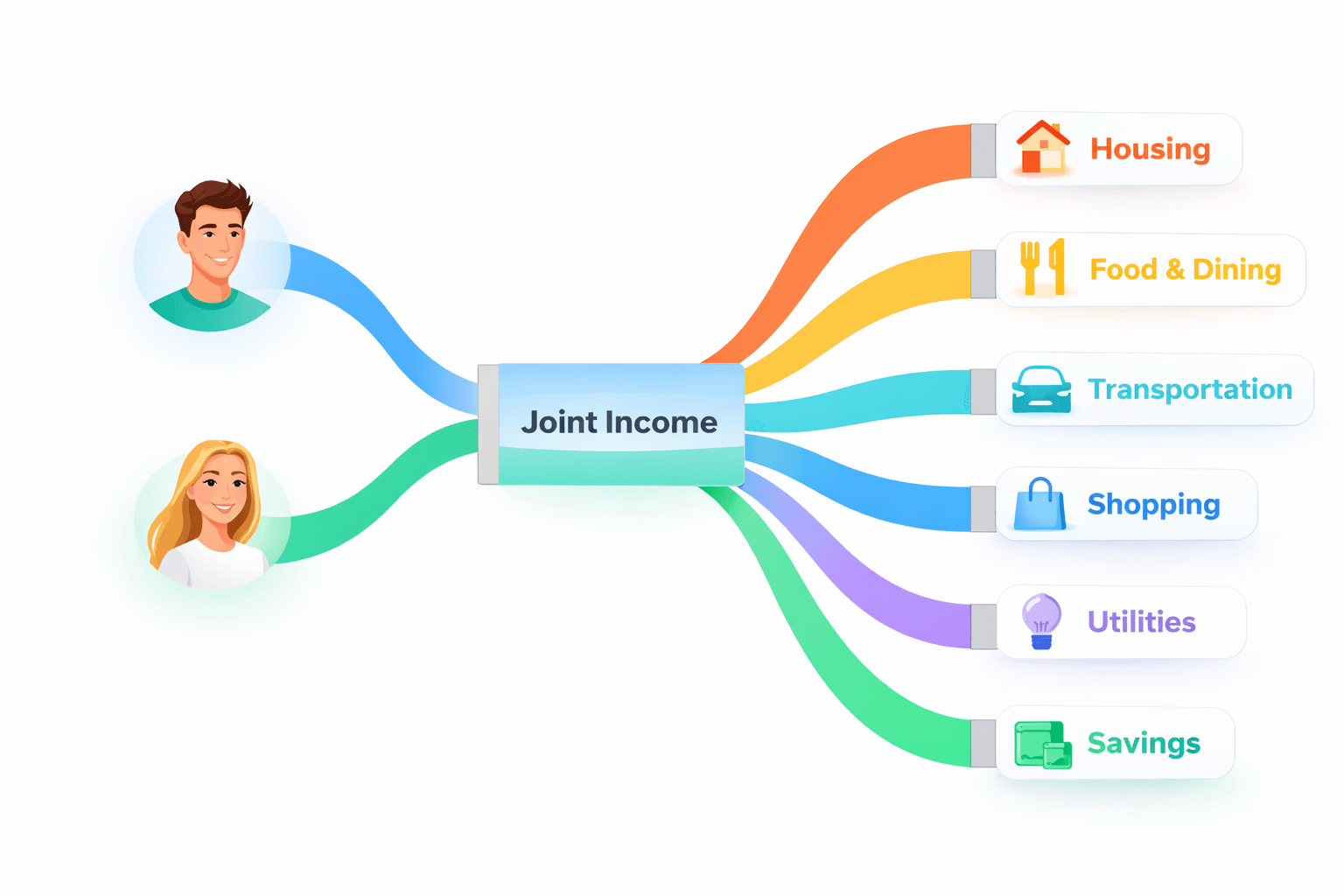
If your spending looks way too high, credit card payments are one of the first things to inspect. The most common mistake is counting the purchase when it happens, then counting the card payment later as if it were a second round of fresh spending.
That's how a normal month turns into a scary chart. The money moved twice through the system, but the actual spend decision only happened once: when the purchase was made.
The correct mental model
Spending happens at purchase. The restaurant charge, grocery swipe, or airline ticket is the real category spend because that's when you decided to consume something.
The later credit card payment is a balance settlement. It's money moving from checking to the card issuer to pay for earlier spending, not a new category event by itself.
Why charts look scary when the math is wrong
If an app counts the purchase as category spend and also counts the $2,000 card payment as another outflow in the same 'spending' bucket, the visual can imply far more spending than actually happened.
The cash left checking, so the payment matters for liquidity and timing, but it shouldn't be treated as a second trip to the grocery store, the second dinner out, or a second flight purchase.
What should be tracked instead
The purchase should drive the spending category. The payment should be visible as a liability payoff or transfer-style money movement, depending on the reporting model, because it affects cash timing but not category consumption.
That distinction is what makes cash flow readable. You can still care deeply about the payment date without pretending it's duplicate category spend.
Why households feel this problem quickly
The issue is extra confusing in households because one person may spend on the card while another sees only the checking outflow when the payment clears. Without the right model, both people can think the month was far more expensive than it was.
Once the payment is separated from the original spend, the reports become less dramatic and more useful for real decisions.
How to sanity-check double-counting
- Look at the original card purchases first and confirm those are the real category spend entries.
- Treat the later card payment as money movement or liability payoff, not a second shopping event.
- Check whether the month includes both the purchase totals and the payment total in the same spend bucket.
- Use timing views for the payment date, but category views for the actual purchases.
Helpful next reads
Two examples that show the double-counting trap
Example 1: A $2,000 card payment after normal category spend
A household spends $620 on groceries, $280 dining out, $410 travel, and $690 on other categories during the month. Later, they make a $2,000 credit card payment from checking. If the report counts both the category purchases and the $2,000 payment as spending, the month suddenly looks like $4,000 of spend instead of $2,000.
The scary chart is a math error, not proof the household doubled its lifestyle overnight.
Example 2: Payment lands next month, confusion carries over
A large December holiday-spend month creates a $1,400 card payment that clears on January 3. If January reports count that payment as January spending on top of January purchases, January looks inflated even though much of the consumption happened last month.
Separating purchase timing from payment timing keeps both months more honest.
Common mistakes that create double-counting
- Treating every checking-account outflow as category spending even when it's clearly paying for earlier card activity.
- Ignoring statement-cycle timing and then assuming the next month's payment belongs to the next month's consumption.
Pro tips for cleaner card math
- Use purchases to understand lifestyle spending and use payment dates to understand liquidity pressure; they answer different questions.
- If the chart looks impossible, compare card purchase totals against the card payment total before assuming the household overspent that badly.
How Stitch helps separate spend from money movement
Stitch keeps transaction review close to the cash-flow and recurring views, which makes it easier to see purchases as the real spending event and card payments as timing-sensitive money movement. That separation helps the charts tell the right story.
Once the math is clean, you can still use Stitch to watch upcoming credit card due dates in Recurring without polluting the category spend reports with a second copy of the same activity.
Frequently asked questions
Why does my spending look like it's counted twice?
A common reason is that the app counted the original credit card purchases and then also counted the later credit card payment as if it were new spending.
When does the real spending happen?
The real spending happens when you make the purchase. The later card payment settles that earlier spending but doesn't create a second category event.
Does the card payment matter at all?
Yes. It matters for cash timing, bill planning, and available checking-account liquidity. It just shouldn't usually count as a second spending category total.
Why does the payment often show up next month?
Because the statement cycle and due date lag behind the original purchase date, which is why the timing can confuse month-to-month reports.
Should credit card bills still be tracked in a recurring calendar?
Yes. The due date still matters for planning, even though the payment itself shouldn't be treated like duplicate category spend.
How does Stitch help with this?
Stitch helps you review transactions, keep cash-flow math cleaner, and still track the upcoming card due date separately from the original spending categories.