
Money explainer
Why your paycheck isn't detected (and how to fix it)
Common patterns that confuse budgeting apps — transfers, reimbursements, split deposits — and how to correct the picture.
Stitch Money Editorial Team · Published March 5, 2026
Editorial policy and correction standards
- See the common patterns that cause paycheck detection to fail
- Troubleshoot the income picture before it breaks cash-flow planning
- Fix the data so safe-to-spend and bill timing stop drifting
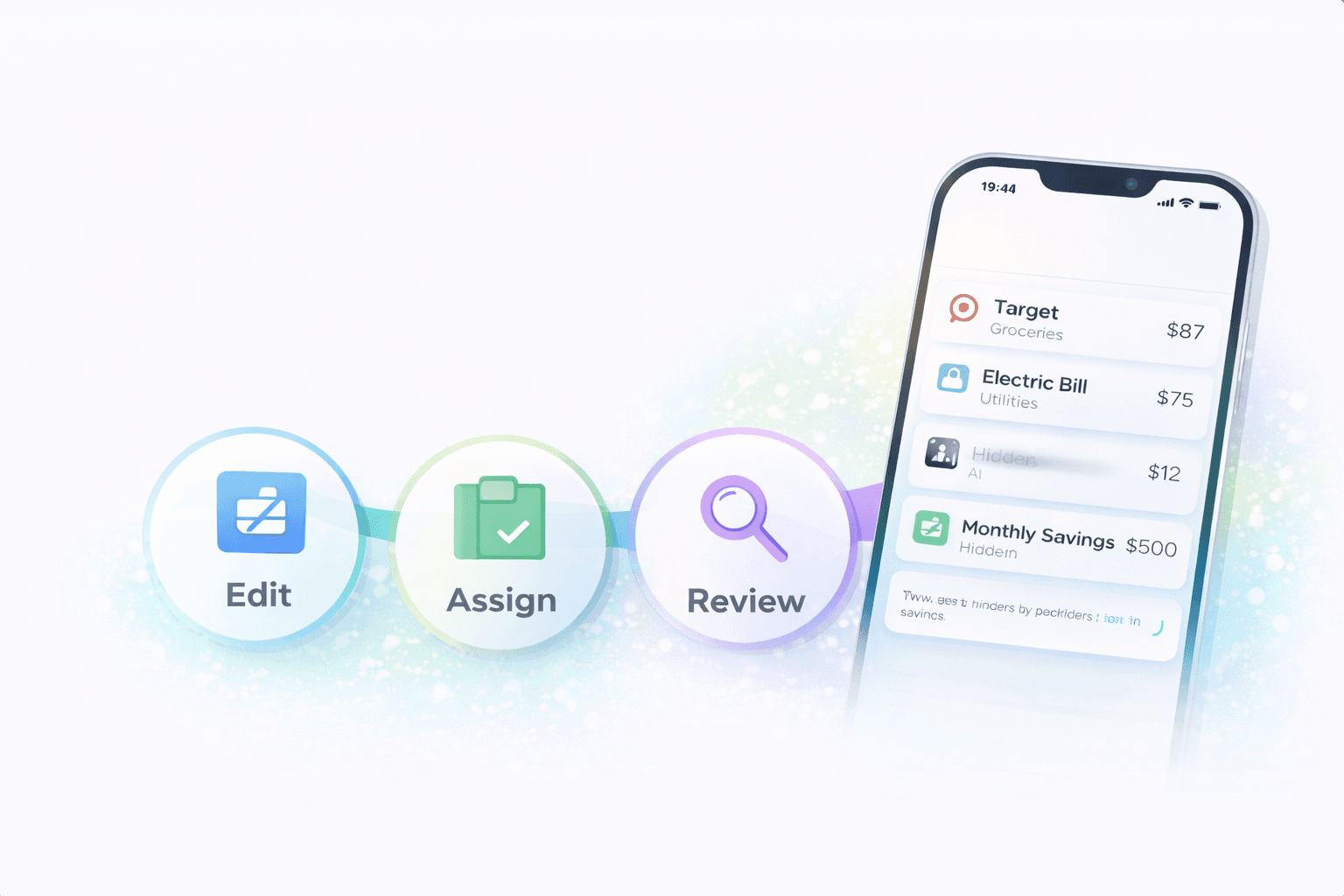
When a paycheck isn't detected, the problem is bigger than one missing label. Income drives cash flow, bill planning, and every short-term decision built on top of them. If the app misses payroll, the rest of the picture can feel more alarming or more generous than reality.
The good news is that paycheck detection usually fails in recognizable ways. Split deposits, changing employer descriptors, reimbursements, and transfers often look similar enough to confuse automation, but each has a practical way to sanity-check it.
The most common causes
Split deposits are a major culprit. A paycheck may land partly in checking, partly in savings, and partly in a benefits or brokerage account. If the app only recognizes one piece, the total inflow looks incomplete.
Changing descriptors can also break detection. Payroll processors and employers sometimes alter the transaction label enough that the deposit no longer matches the prior pattern cleanly.
Transfers, reimbursements, and payroll can look similar
A transfer from savings or a repayment from a friend can look like fresh money to an app that's relying on rules and patterns. The reverse also happens: real income can be mistaken for a transfer if it lands from an unusual intermediary account.
That's why context matters. The amount, frequency, source account, and label together tell the story, not one field by itself.
Why this breaks more than the income line
A missed paycheck doesn't just make the income report look low. It can distort safe-to-spend math, make upcoming bills look scarier than they are, and cause the weekly cash-flow view to imply a problem that's mostly a detection issue.
Fixing the income picture early has a multiplier effect. It makes the downstream planning tools more trustworthy immediately.
When to troubleshoot versus when to wait
If the deposit just hit today, waiting for the posted version can help if you are looking at a pending state. But if the paycheck has fully posted and still looks absent or mislabeled, it's time to inspect the source and category logic.
The key isn't panicking over the first odd moment. It's knowing when the missing paycheck is likely a normal posting lag versus a real classification problem.
What to check first when a paycheck is missing
- Confirm the deposit fully posted and isn't still sitting in a pending state.
- Check whether the paycheck was split across more than one account or destination.
- Compare the descriptor to the prior paycheck and note whether the employer or processor wording changed.
- Make sure reimbursements or transfers near the same amount aren't being mistaken for the paycheck instead.
Helpful next reads
Two realistic paycheck-detection misses
Example 1: Split payroll into checking and savings
A worker receives $1,600 to checking and $300 to savings every two weeks. The app detects the $1,600 deposit as income but ignores the $300 because it lands in a different linked account with a slightly different descriptor.
Cash flow looks weaker than reality, even though the missing income is right there in another account.
Example 2: Bonus and reimbursement confuse the pattern
A normal paycheck of $2,050 lands, but the same week an employer reimbursement of $240 posts and a one-time bonus of $500 appears under a different processor label. The app recognizes the regular paycheck but misreads the rest as generic transfers.
The income picture is incomplete because the surrounding deposit patterns stopped looking 'normal.'
Common mistakes when a paycheck isn't detected
- Assuming the paycheck is gone when it's really split across accounts or posted under a changed processor label.
- Fixating on the missing income line without checking whether reimbursements or transfers are also muddying the deposit picture.
Pro tips for faster troubleshooting
- Compare the current deposit against the last two normal payroll cycles so descriptor changes stand out faster.
- If your employer regularly splits pay, review all destination accounts together before trusting the income total.
How Stitch helps when the income picture is incomplete
Stitch makes it easier to inspect the underlying transaction list, compare deposits across linked accounts, and fix the category logic that separates real income from transfers and reimbursements. That helps the cash-flow and bill-planning layers recover quickly.
Because the deposit view, recurring bills, and weekly cash-flow context sit together, you can also see the practical impact of the fix: the next payday window and the next spending decision start making sense again.
Frequently asked questions
Why would a budgeting app miss a paycheck?
It often happens because of split deposits, changed payroll descriptors, reimbursements, or transfers that look similar enough to confuse automatic categorization.
Can a split paycheck make income look low?
Yes. If part of the pay lands in another account and the app doesn't combine it correctly, the income total can look incomplete.
Should I wait if the deposit is still pending?
Yes. A pending deposit can change once it fully posts. If it's fully posted and still missing, then it's time to troubleshoot.
Can reimbursements confuse paycheck detection?
Yes. Employer reimbursements or repayments can look like deposits, but they aren't the same as recurring wage income.
How do I know whether it's a transfer instead?
Check the source account, the destination account, and whether the money existed elsewhere first. Transfers move existing money, while pay creates new inflow.
How does Stitch help fix this?
Stitch makes it easier to inspect raw deposits, compare linked accounts, and correct the categories that separate real income from transfers and reimbursements.