
Money news you can use
Stitch is free. So when is a paid budgeting app actually worth it?
If you're tired of subscription creep, use a simple decision framework: compare real weekly workflow friction, not just feature lists.
Stitch Money Editorial Team · Published March 23, 2026
Editorial policy and correction standards
- Breaks down paid-budgeting costs in plain language
- Shows when free tools are enough and when they're not
- Gives a practical 14-day decision workflow
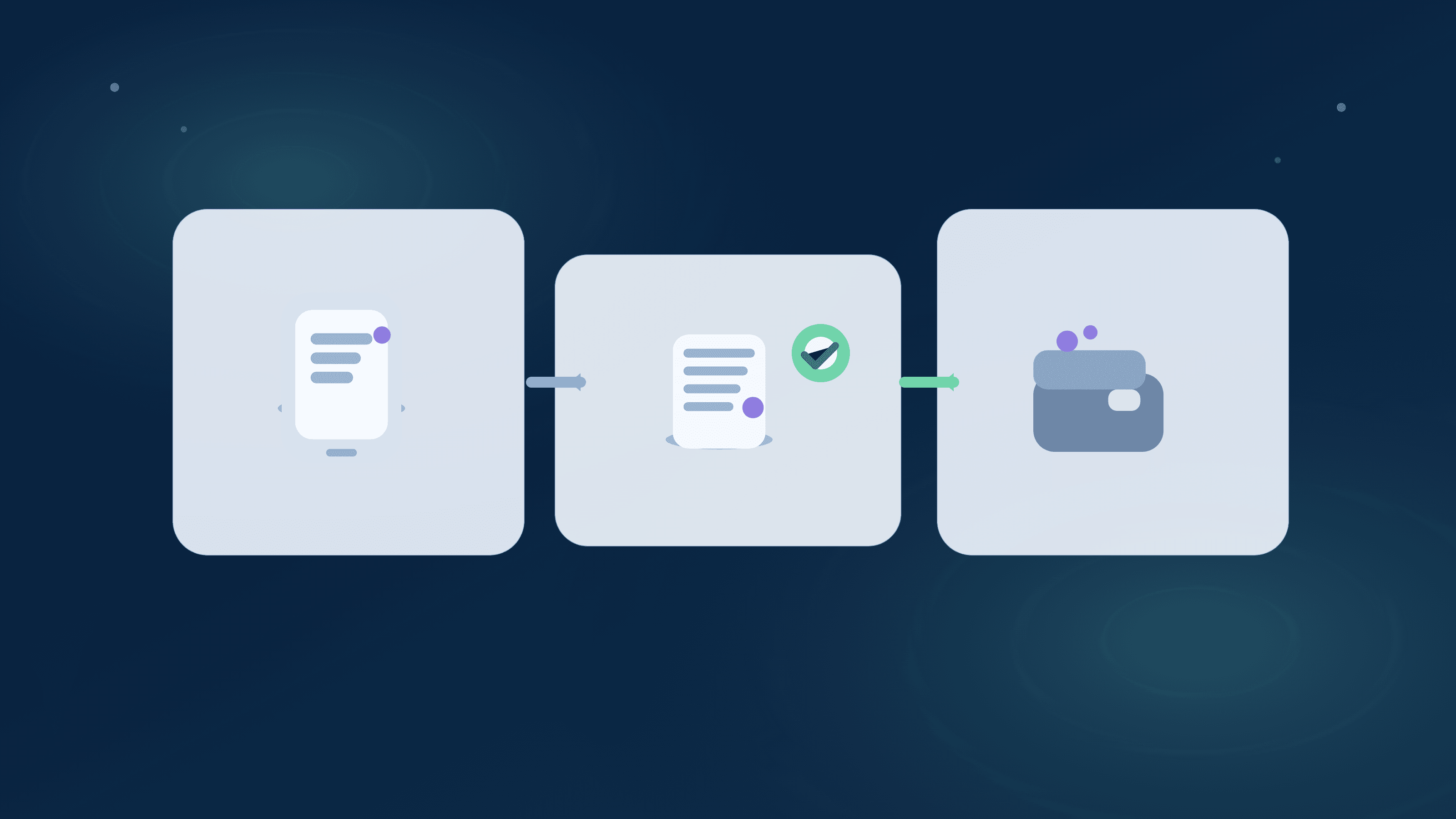
If your main question is, "Why pay for a budgeting app when Stitch is free?" you're asking the right question. In 2026, a lot of households are pushing back on app subscriptions and reassessing what they actually need. Stitch's free plan covers core tracking workflows, while some competitors position paid plans as the default path for full feature access.
The useful comparison isn't "free vs paid" in the abstract. It's whether your monthly routine is stable: recurring bills are caught, transaction review doesn't drag, and household decisions happen quickly. If a paid app saves enough time and mistakes, it can earn its cost. If it doesn't, free is the better answer.
What people are asking right now
The common phrasing is direct: "Is this app worth another monthly charge?" and "Can I get the same clarity without paying every month?"
Most users aren't asking for more charts. They're asking for fewer surprises before payday and fewer hours spent fixing categories and recurring misses.
How paid competitors usually price access
Public pricing pages for major budgeting apps in 2026 generally push annual plans and reserve some workflows for paid tiers.
That doesn't make paid products bad. It means cost should be weighed against how much operational friction they remove in your real week.
Where a free plan is usually enough
Free tends to work well when your account structure is straightforward, recurring bills are stable, and one person can run a weekly 10- to 15-minute review.
If your month doesn't require constant manual correction, paying extra often won't change outcomes much.
Where paying can still make sense
Paid tools can justify their cost when they materially reduce recurring misses, cleanup time, and decision lag in shared households.
If you're repeatedly spending an hour a week repairing data or untangling due-date confusion, paying for less friction can be cheaper than the ongoing time drain.
Run a 14-day free-vs-paid test before deciding
Use one complete bill window and score each app on three things: recurring reliability, transaction search/cleanup speed, and household coordination clarity.
Make the decision with your own data, then commit for one quarter so you're not tool-hopping every two weeks.
14-day decision checklist
- Track recurring detection accuracy across one real due-date cycle.
- Measure cleanup time on at least 20 recent transactions.
- Test one shared money review if another person is involved.
- Choose the option that gives clearer weekly decisions, not just lower sticker price.
Helpful next reads
Two real-world cost decisions
Example 1: Couple cutting app subscriptions
A household was paying $14.99/month for a budgeting app plus $7.99/month for a separate subscription tracker. They tested Stitch for 14 days while preserving the same bill calendar.
They kept the same weekly clarity, canceled both subscriptions, and reduced yearly app spend by roughly $276.
Example 2: Solo user deciding to stay paid
A freelancer compared Stitch and their current paid app during a month with uneven deposits and 32 recurring charges.
They stayed on the paid tool for one quarter because it saved about 50 minutes per week in reconciliation, then scheduled another review date.
Common mistakes
- Comparing pricing pages without timing your actual weekly cleanup workload.
- Cancelling immediately and losing the overlap window needed to validate recurring accuracy.
Pro tips
- Set one decision date after a full 14-day test so you don't drift into endless comparisons.
- Keep one objective metric: minutes-to-clarity each week from login to decision.
How Stitch helps
Stitch gives you Recurring, Spending, Transactions, and Patch household collaboration in one workflow on the free tier, so you can test with real weekly behavior before paying for anything else.
If you later need expanded limits or daily Net Worth snapshots, you can upgrade to Premium. The core decision framework still starts with free and evidence from your own routine.
Frequently asked questions
Is Stitch actually free to start?
Yes. Stitch offers a free plan so you can run core money workflows before deciding whether Premium is necessary for your setup.
Are paid budgeting apps always better?
No. They're better only when they materially reduce your weekly cleanup time or improve decision quality in your specific workflow.
What's the best way to compare free vs paid tools?
Run a 14-day side-by-side test across one real bill window and score recurring accuracy, transaction review speed, and household coordination.
Should couples use the same evaluation method?
Yes. Couples should score how quickly they can resolve shared bill questions each week, not just compare feature lists.
What if I'm already paying for another app?
Keep a short overlap period, validate recurring and categories, then cancel only after your replacement workflow is stable.
Where can I verify competitor pricing?
Use official pricing or help pages from each provider, because plan structure and promotional offers can change.
Is net worth included in Stitch free?
Net worth is a Premium feature in Stitch. Premium snapshots run automatically once daily at midnight.