
Money news you can use
Bank alert text scam checklist for 2026: verify first, then act
A fast verification script for suspicious account alerts so you can protect your money without clicking risky links.
Stitch Money Editorial Team · Published March 15, 2026
Editorial policy and correction standards
- Covers fake fraud-alert texts and urgent-action scams
- Gives a verification script you can run in under 3 minutes
- Includes post-incident cleanup for connected finance apps
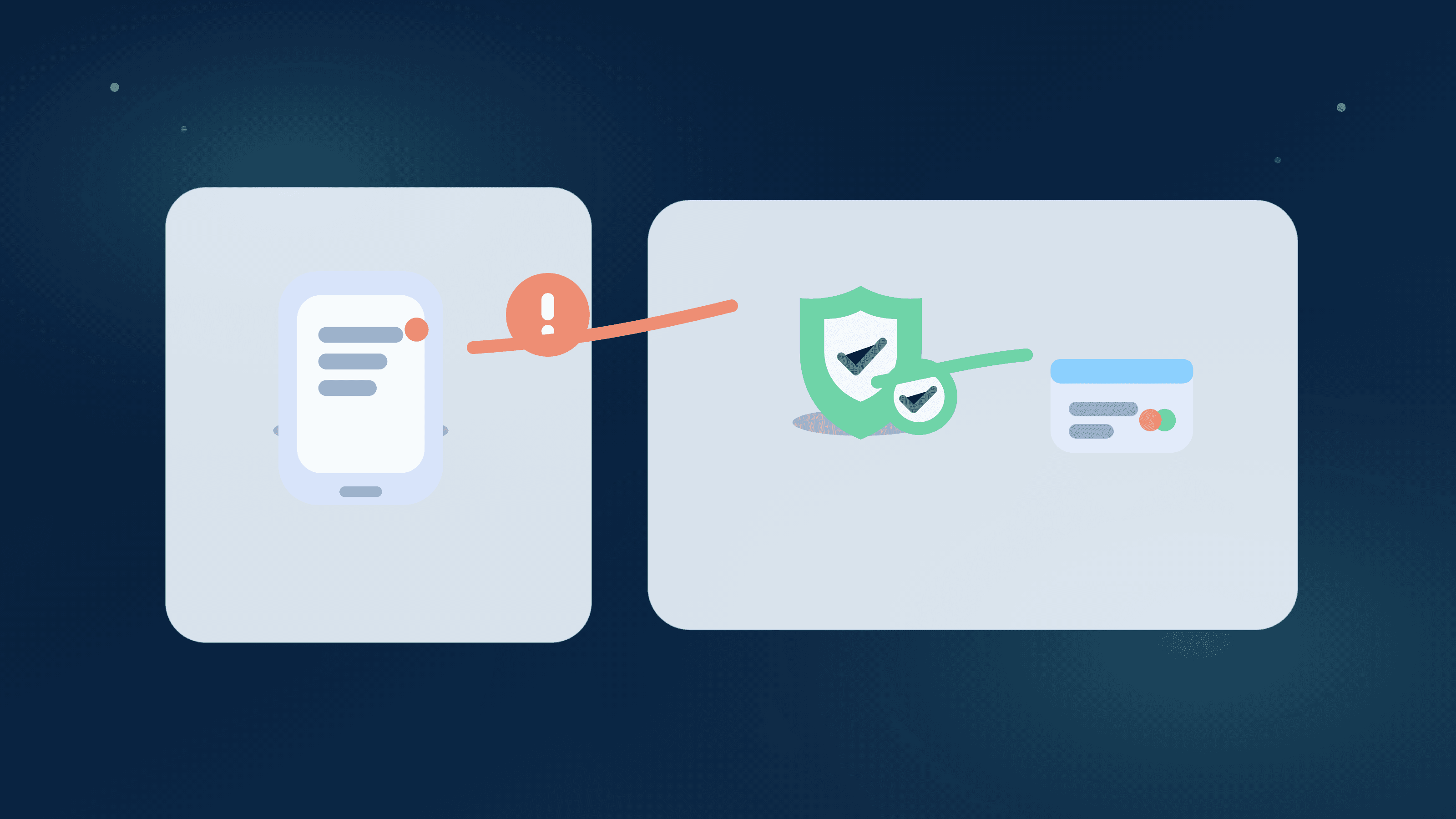
Scam texts are getting better at sounding like real bank alerts. They create urgency, push you to click fast, and try to move the conversation off trusted channels.
Your best defense is a fixed verification script you can run every time. If it's real, you'll still get to the right support path. If it's fake, you avoid handing attackers your credentials.
What fake bank alerts usually look like
They often include urgent language, a suspicious link, and a phone number that isn't on your bank card or official site.
Some messages spoof sender names, so visual familiarity alone isn't enough to trust the message.
The 3-minute verification script
Step 1: don't tap the link. Step 2: open your bank app directly or call the number on your card. Step 3: verify transaction status from official channels you started.
Capture the message details in case you need to report it to your bank or carrier.
After the alert: secure your connected finance setup
Review linked accounts, reset credentials if needed, and confirm recurring lanes still look normal.
Scam attempts can create secondary confusion if users ignore transaction cleanup after the event.
Household version of the protocol
If one person gets the text, both people should follow the same verification script to avoid split actions.
A shared process prevents one partner from locking accounts while the other keeps transacting as normal.
Bank alert scam checklist
- Do not click links or call numbers from the suspicious text.
- Verify account activity through your bank app or card-back phone number.
- Save sender, timestamp, and message content for reporting.
- Review connected-app accounts and recurring lanes after verification.
Helpful next reads
Two scam-response outcomes
Example 1: Link clicked, login not submitted
A user taps a fake alert link but stops before entering credentials. They reset bank password, enable stronger auth, and verify no unauthorized transfers posted.
No funds lost, and account controls are tightened quickly.
Example 2: Household receives duplicate alerts
Two partners get the same 'account locked' text and initially react differently. They switch to one verification script and confirm no actual fraud event exists.
The false alarm is contained without accidental account lockouts.
Common mistakes
- Calling the number in the text instead of a known official channel.
- Skipping post-alert connected-account review because no fraud was found immediately.
Pro tips
- Store official bank contact numbers in your phone before you need them.
- Use a household shared note for scam-response steps so everyone follows one protocol.
How Stitch helps
Stitch gives users one place to review recent transactions and recurring behavior after a suspected scam alert, reducing post-incident confusion.
Patch helps households coordinate response steps so everyone acts from the same verified timeline.
Frequently asked questions
How do I know if a bank alert text is real?
Treat every text as untrusted until verified through your bank app or an official number you already know.
What if I already clicked the link?
Reset credentials immediately, enable stronger authentication, and verify transaction activity from official channels.
Should I delete scam texts right away?
Capture key details first for reporting, then delete once evidence is saved.
Can scam alerts affect finance app data?
Not directly, but users may make rushed changes that create data confusion. Post-incident review is important.
How should couples handle suspicious alerts?
Use one shared verification script and one communication path before taking account-level actions.
How does Stitch support scam cleanup?
Stitch makes it easier to verify recent transactions and recurring lanes after a suspicious alert.