
Money explainer
Clean up messy merchant names (so your reports stop being useless)
Better merchants = better categories, better recurring detection, better insights.
Stitch Money Editorial Team · Published March 5, 2026
Editorial policy and correction standards
- See why messy merchant labels break more than just aesthetics
- Catch the same merchant showing up under multiple names
- Use a simple cleanup workflow that improves reports fast
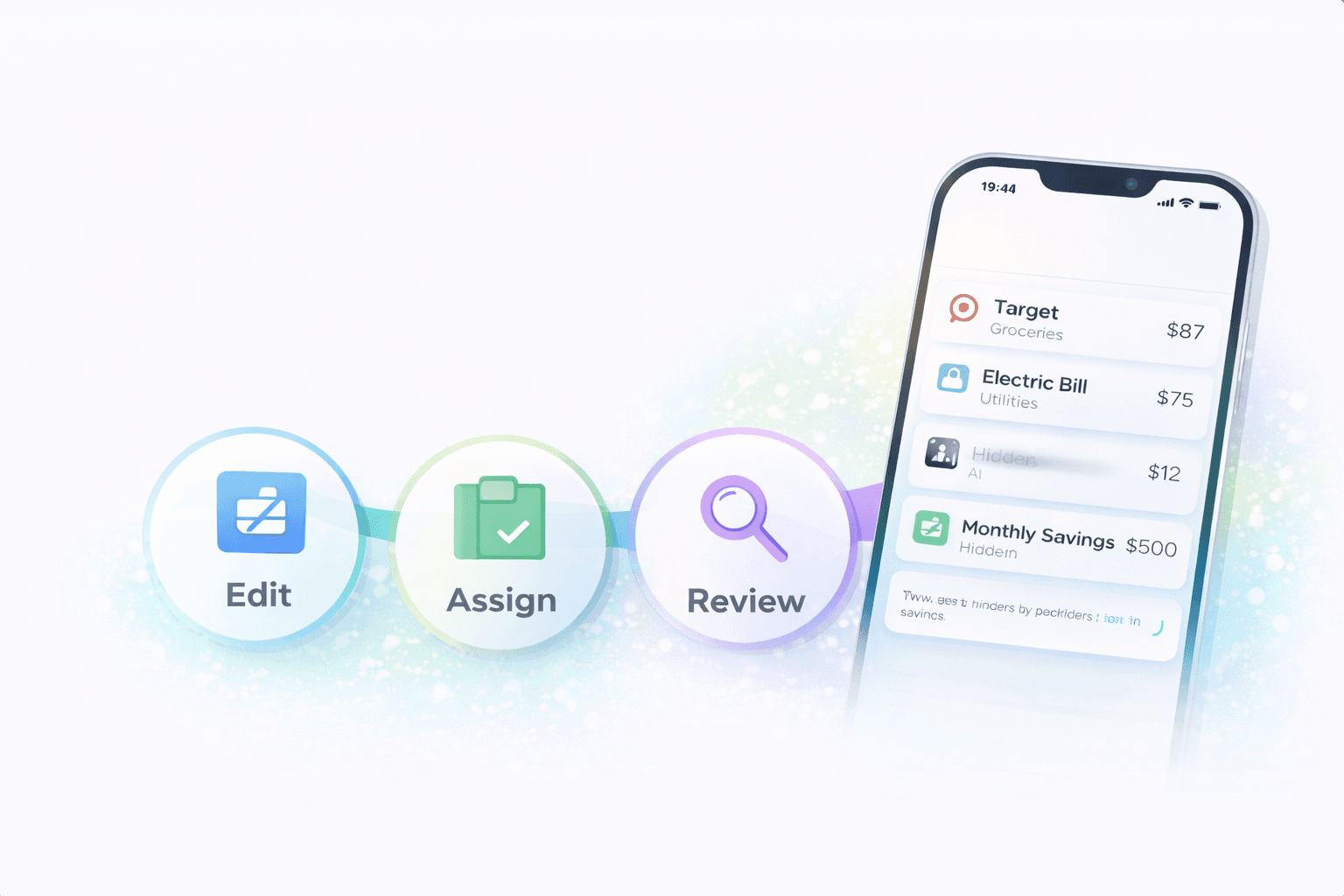
Merchant cleanup is one of the highest-leverage fixes in personal finance apps. When the same store appears under three strange variations, reports fragment, recurring detection misses patterns, and transaction reviews take longer than they should.
Cleaner merchant names don't just make the list prettier. They make the rest of the product more accurate, because categories, recurring rules, and weekly reviews all depend on recognizing what the transaction actually was.
Why merchant cleanup matters so much
A messy merchant label hides the real transaction. If the same grocery store appears as a physical terminal code, an online order string, and a delivery suffix, the category total becomes harder to trust.
Recurring detection also weakens when the app can't reliably tell that the same merchant is showing up again in a pattern. Cleaner names improve multiple layers of the product at once.
How the same merchant splinters into multiple labels
Card processors, location IDs, app-store wrappers, and fulfillment systems all change the text that reaches the bank feed. That's why one merchant can look stable in real life but fragmented in the transaction list.
The fragmentation is especially annoying with merchants you expect to recognize quickly. It slows every review because you keep re-decoding the same store from scratch.
What to clean first
Start with repeating merchants and large categories. If one messy merchant shows up every week, fixing it pays off faster than polishing a tiny one-off charge.
Then move to merchants that affect recurring detection or shared household decisions. Those are the labels that create the most downstream confusion if they stay messy.
Why this improves more than one screen
Once merchant names are cleaner, reports group more accurately, recurring bills become easier to spot, and transaction review speeds up because you no longer waste time decoding the same merchant variants.
This is why merchant cleanup isn't busywork. It's core data hygiene that makes the whole money workflow easier.
A practical merchant cleanup workflow
- Start with the merchants that repeat most often or distort your biggest categories.
- Look for the same store appearing under multiple processor or location variants.
- Fix merchants that affect recurring detection before polishing random one-off edge cases.
- Do a small amount of cleanup during weekly review so the list stays easier to trust.
Helpful next reads
Two common merchant cleanup wins
Example 1: One grocery chain, three versions
The same grocery chain appears as a plain store name in person, a delivery variation online, and a processor-heavy code for curbside pickup. The category total is split across three labels until the merchant is normalized.
Once unified, the grocery reports and weekly review stop fragmenting the same habit into three fake merchants.
Example 2: Subscription hidden behind an app-store wrapper
A $14.99 subscription appears under a generic app-store merchant instead of the actual service name. Because the label stays vague, it's easy to miss as a recurring charge.
Cleaning the merchant name makes the recurring pattern easier to recognize and easier to evaluate.
Common merchant-cleanup mistakes
- Treating merchant cleanup like cosmetic work instead of prioritizing the labels that distort reports and recurring detection.
- Trying to perfect every tiny one-off transaction before fixing the merchants that appear repeatedly every week.
Pro tips for higher-impact cleanup
- Fix merchants that repeat often, because each improvement compounds across future reports and reviews.
- Use recurring and category pain as your priority list; the merchants that break those views should be first in line.
How Stitch helps you get more value from merchant cleanup
Stitch keeps the transaction layer easy to review, which makes merchant cleanup practical during normal weekly use instead of a giant side project. That helps the same cleanup work improve reports, recurring visibility, and household discussions immediately.
Because Stitch already connects transactions to spending and recurring views, a single merchant fix can pay off across multiple parts of the app instead of staying trapped in one list.
Frequently asked questions
Why are merchant names so messy in budgeting apps?
Banks often pass through processor codes, location IDs, or wrapped labels that make the same merchant appear in multiple inconsistent ways.
Does merchant cleanup really matter?
Yes. Cleaner merchants improve reports, recurring detection, and how fast you can review transactions each week.
What should I clean first?
Start with repeating merchants, large categories, and anything that's currently confusing recurring-bill or subscription tracking.
Can messy merchants hide subscriptions?
Yes. A vague merchant name can make a recurring charge much easier to overlook.
Should I fix every one-off charge?
Usually no. The highest payoff comes from merchants that repeat often or distort major categories.
How does Stitch help with this?
Stitch keeps the transaction workflow easy to review so merchant cleanup can happen during normal use and improve reports and recurring views quickly.