
Money explainer
Ghost subscriptions: how to spot inactive charges you forgot about
A gentle audit workflow to find what's still billing — without the lazy 'cancel everything' advice.
Stitch Money Editorial Team · Published March 5, 2026
Editorial policy and correction standards
- Spot inactive charges without a panic purge
- Use a confirm-first workflow before canceling anything
- Separate wanted subscriptions from forgotten drag
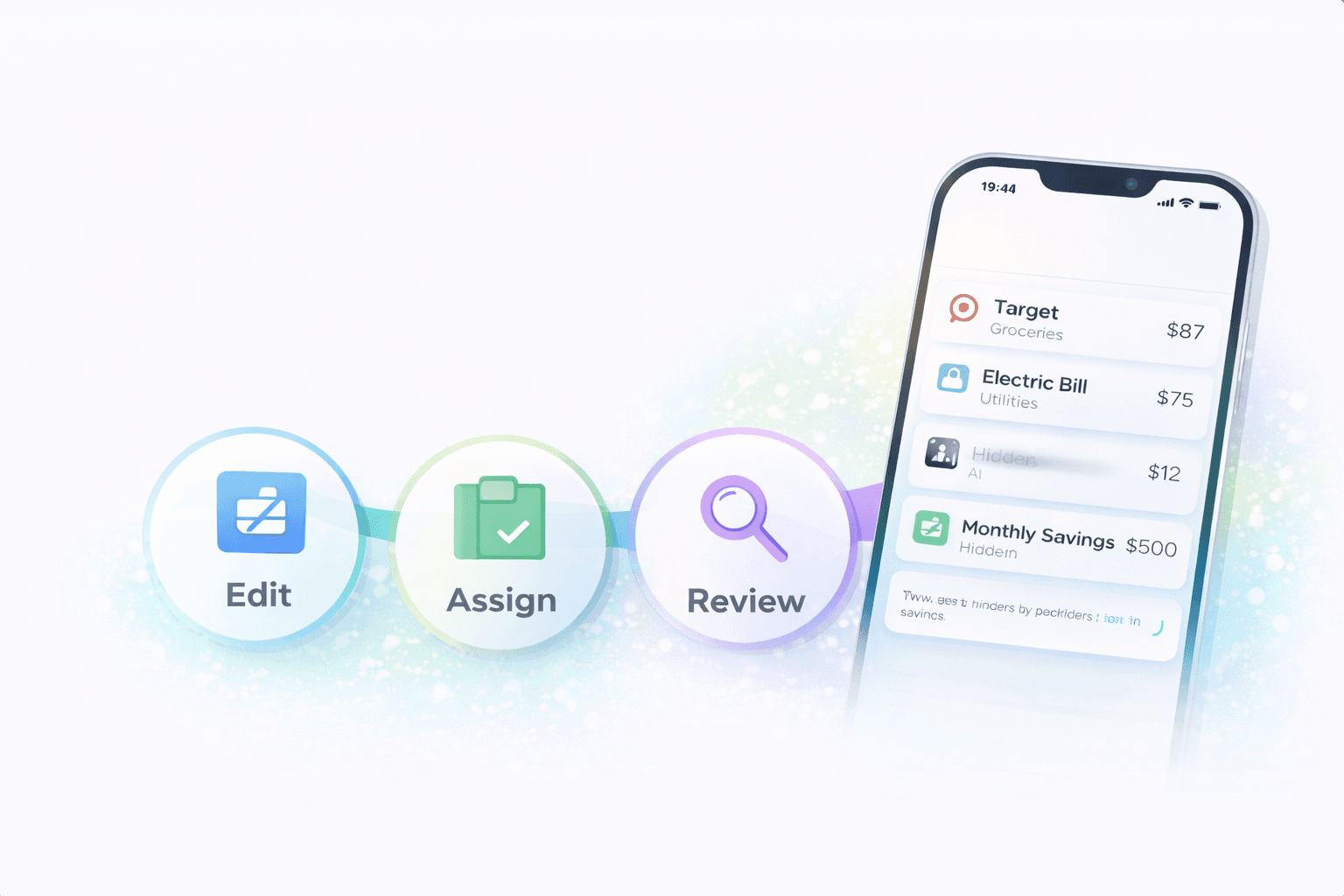
Ghost subscriptions are the charges that keep billing after the reason you signed up has faded. They are easy to miss because they are familiar, often small, and rarely urgent enough to force a decision on their own.
The best fix isn't an angry subscription purge. It's a gentle audit that confirms what's still useful, what's annual, and what's quietly hanging around from an old project or free trial.
What makes a subscription 'ghost' instead of just recurring
A ghost subscription isn't simply any recurring charge. It's a recurring charge that's no longer active in your real life the way it once was: low-use, forgotten, duplicated, or no longer intentionally chosen.
That distinction matters because the goal isn't to eliminate convenience. It's to stop paying for things that are no longer serving a clear purpose.
Why annual renewals and app-store bundles hide so well
Annual renewals vanish into the background because they only show up once a year, which makes them easy to forget until they hit. App-store bundles and umbrella merchants can hide multiple small charges under labels that don't feel specific enough to trigger a decision.
That's why a once-per-year or wrapper-style charge can be more ghost-like than a monthly subscription you see regularly and recognize instantly.
A confirm-first audit works better than a panic cleanup
The right first step is confirmation: what's this, who uses it, when was it last intentionally used, and is it renewing monthly or annually. That keeps the review grounded instead of reactive.
Once you confirm the role, the keep-versus-cancel decision becomes much simpler. The audit stays focused on low-value drag, not on random guilt about every convenience bill.
How to separate wanted from not wanted
A wanted subscription is one you still would choose again today. A not-wanted subscription is one that survives mainly because the charge is familiar and the cancellation task keeps slipping to later.
That simple distinction is more useful than a moral rule like 'streaming is bad' or 'all subscriptions are waste.'
A confirm-first workflow for ghost subscriptions
- Confirm what the charge actually is before deciding whether to cancel it.
- Check whether the renewal is monthly, annual, or wrapped inside a broader app-store or bundle merchant.
- Ask whether the household would still choose it today if it were not already on autopay.
- Cut or downgrade the clearly unwanted charge first instead of trying to solve every subscription at once.
Helpful next reads
Two ghost-subscription patterns that hide in plain sight
Example 1: Annual renewal with low current use
A $119 annual design-tool renewal hits each September, even though the side project it supported ended in February. Because it only bills once a year, the charge feels surprising every single time.
The subscription isn't huge, but it's ghost-like because the original reason for it's long gone.
Example 2: App-store bundle hiding multiple extras
An app-store merchant shows a $24.99 family bundle that quietly includes a cloud add-on, a photo app, and a meditation trial that auto-converted months ago. No one in the household could name all three components without checking.
A wrapper merchant can hide ghost charges even when the total looks familiar.
Common mistakes in subscription audits
- Canceling reflexively before confirming what the charge actually covers, especially when a bundle hides multiple services.
- Ignoring annual renewals because they are infrequent, which is exactly why they stay forgotten longest.
Pro tips for separating wanted from unwanted
- Ask whether you would re-subscribe today at the current price; that's often the clearest test of real value.
- Review bundle merchants line by line when possible, because the wrapper label often hides the least-used piece.
How Stitch helps you audit ghost subscriptions without overreacting
Stitch helps by surfacing recurring charges and keeping the underlying transaction history close by, which makes it easier to confirm what a subscription is before you decide whether it still earns a place in the household plan.
That confirmation-first workflow is what keeps the audit useful. You can spot the charges that are quietly dragging on the budget without treating every convenience subscription like an automatic mistake.
Frequently asked questions
What's a ghost subscription?
It's a recurring charge that's still billing even though the original reason for it has faded, usage is low, or the household wouldn't actively choose it again today.
Are annual renewals more likely to become ghost subscriptions?
Yes. Because they only appear once a year, they are easier to forget and harder to notice until renewal day arrives.
Should I cancel every subscription I barely use?
Not automatically. The better first step is to confirm what the charge covers and whether the household still wants it at the current price.
Why are app-store bundles hard to audit?
Because one wrapper merchant can hide multiple add-ons or services, making it harder to tell what you are actually paying for.
How do I decide wanted versus not wanted?
A simple test is whether you would actively choose the subscription again today if it were not already on autopay.
How does Stitch help with this?
Stitch keeps recurring charges and transaction history close together so you can confirm what a subscription is before deciding whether it stays.