
Practical guide
Recurring bills not matching? Here's why (and how to fix it)
When amounts or due dates shift, your recurring list needs a better approach.
Stitch Money Editorial Team · Published March 14, 2026
Editorial policy and correction standards
- Diagnose amount and due-date mismatches quickly
- Handle variable bills without forcing fake precision
- Clean recurring data so planning stays trustworthy
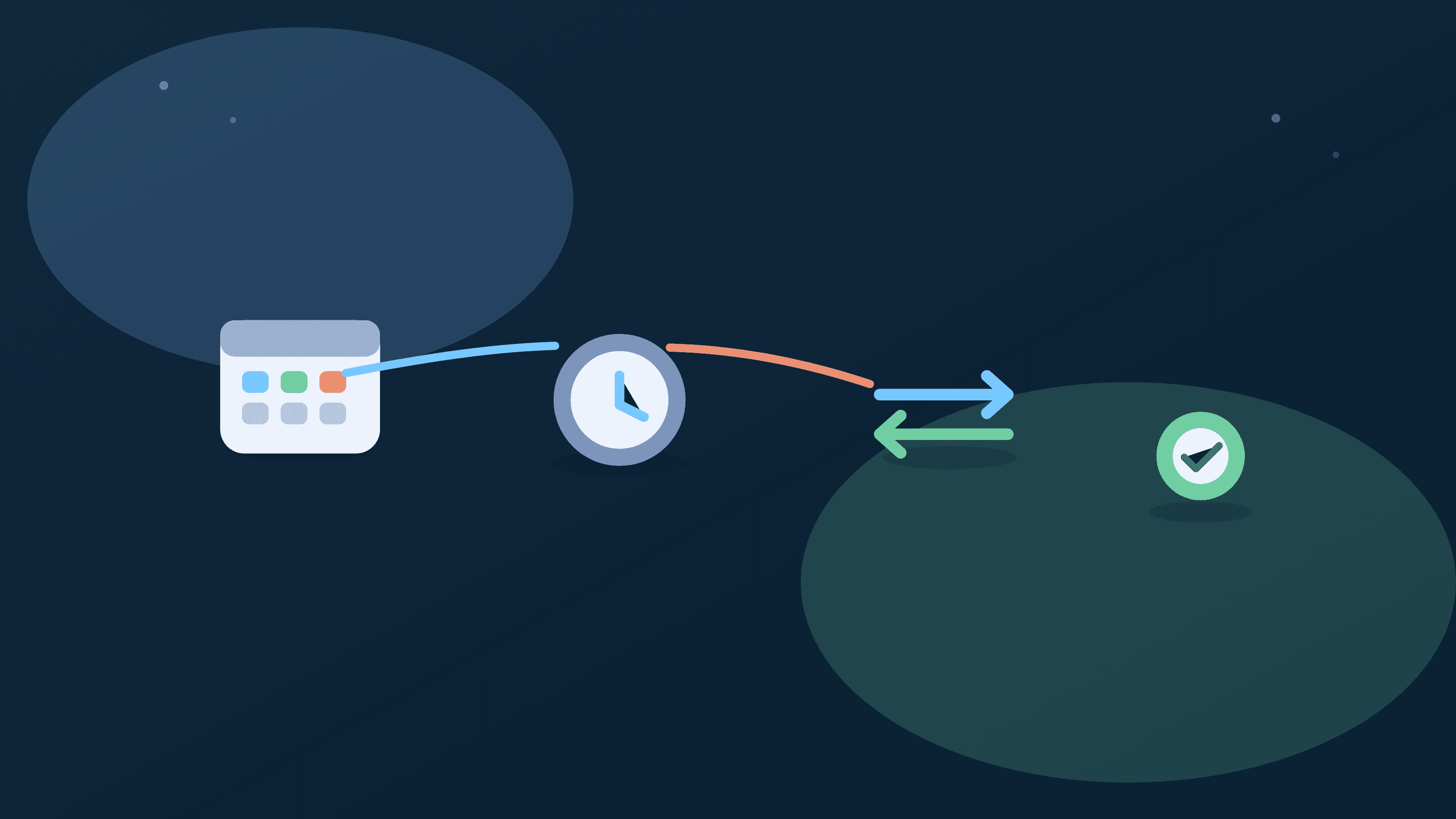
Recurring bills feel broken when amounts or dates stop matching your expectations. Usually the issue isn't that recurring detection failed completely. It's that real-world billing behavior changed: variable amounts, shifted draft dates, pending delays, or merchant descriptor differences.
A better fix is to treat recurring as a living pattern. Confirm ranges, track due windows, and reconcile posted transactions weekly. That keeps your recurring list useful for planning instead of turning into a stale, frustrating checklist.

Why recurring lists drift over time
Utilities, card bills, and app bundles often change amount or posting date, so strict exact-match assumptions break quickly in real households.
Amount mismatch: fixed versus variable handling
Keep fixed bills exact, but track variable bills as expected range plus high-end planning amount so schedule decisions stay realistic.
Date mismatch: due date versus posting date
Some merchants authorize early and post later, so recurring interpretation improves when you track due windows instead of one exact timestamp.
Merchant descriptor variation
The same biller can appear with different labels across cycles, so merchant normalization is critical for reliable recurring grouping.
A weekly reconciliation routine
Review upcoming recurring items against posted transactions each week and update ranges or labels immediately when drift appears.
Recurring mismatch fix checklist
- Label each recurring item as fixed or variable.
- Set ranges for variable bills and note expected high amount.
- Check due window versus actual posting behavior.
- Normalize merchant labels when descriptors change.
Helpful next reads
Two mismatch patterns and fixes
Example 1: Utility amount drift
Electric bill expected at $140 appears as $182 and $196 in summer months. The household updates recurring range to $130-$210 and keeps a $220 planning ceiling before payday.
Cash-flow plans stop breaking when seasonal usage rises.
Example 2: Posting date offset
A streaming bundle due on the 12th posts on the 14th in two consecutive months. The recurring window is adjusted to 12th-15th instead of a hard 12th timestamp.
The bill remains predictable without false missing alerts.
Common mistakes
- Treating variable bills as fixed and assuming mismatches mean the tool is broken.
- Ignoring merchant label variation and manually correcting the same charge every month.
Pro tips
- Track range plus due window for variable bills to reduce false alarms.
- Clean merchant naming once, then verify changes during weekly review.
How Stitch helps resolve recurring mismatch issues
Recurring and upcoming views surface bill patterns while Transactions lets you verify what actually posted. Together they make mismatch diagnosis fast and concrete.
Spending trends and calendar timing help you absorb variable drift without losing confidence in your weekly plan.
Frequently asked questions
Why did my recurring bill amount change unexpectedly?
Many bills are variable by design; utilities, card statements, and usage-based services often shift month to month.
Should recurring due dates match posting dates exactly?
Not always. Many billers have a due date and a separate posting pattern.
How do I handle recurring bills with seasonal changes?
Use expected ranges and a planning ceiling rather than one fixed amount.
Can merchant naming differences break recurring detection?
Yes. Inconsistent descriptors can split one service into multiple apparent merchants.
How often should recurring lists be reconciled?
A short weekly check is usually enough to keep recurring data clean.
Which Stitch views should I use first?
Start with Recurring for pattern review, then confirm details in Transactions.