
Practical guide
What changed this month? A simple way to find the real drivers
Stop guessing. Compare categories and merchants in minutes.
Stitch Money Editorial Team · Published March 14, 2026
Editorial policy and correction standards
- Find true spend drivers quickly by category and merchant
- Separate one-off noise from real behavior change
- Use monthly comparison without spreadsheet exports

When spending feels off, most people either panic or ignore it. A better move is a short what-changed review: compare this month versus last month, identify top category deltas, then inspect the merchants behind those shifts.
This approach answers the only question that matters: what specifically changed, and is it temporary noise or a pattern worth acting on? You can do this in minutes when the data is organized correctly.
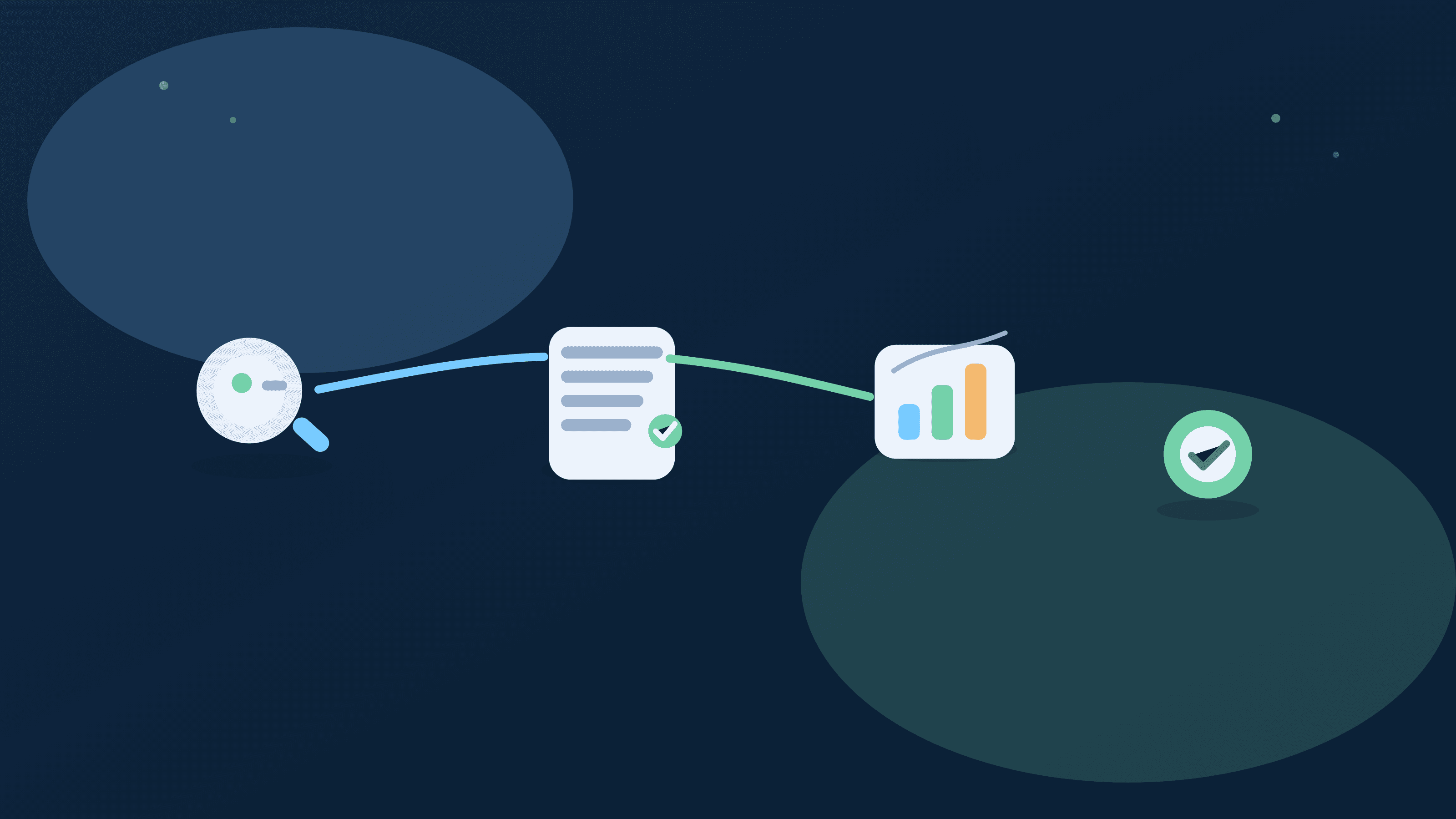
Start with category delta, not total spend
Total month-over-month difference is useful context, but category deltas show where behavior or timing actually shifted.
Drill into top merchants inside each delta
Merchant-level context reveals whether category change came from frequency drift, one large purchase, or recurring price increases.
Label one-time events before reacting
Refund offsets, annual renewals, and travel spikes should be tagged so they don't trigger unnecessary ongoing budget changes.
Ask one action question
For each major delta, decide if action is needed this week, next month, or not at all; this avoids overcorrecting harmless noise.
Repeat monthly, review weekly
A monthly what-changed analysis plus short weekly checks creates stable insight without constant overanalysis.
What-changed monthly review checklist
- Compare this month versus last month by category.
- Inspect top merchants behind each major category delta.
- Tag one-time events and refunds before deciding changes.
- Assign one action for next week or next month.
Helpful next reads
Two monthly change investigations
Example 1: Dining category spike
Dining appears up $240 month over month. Merchant review shows two family events totaling $180 and a frequency increase of small delivery charges totaling $60.
Action focuses on delivery frequency, not event spending.
Example 2: Shopping category jump
Shopping is up $310, but $220 comes from one annual software renewal and $90 from three small convenience purchases. Only the convenience pattern is recurring behavior.
The household avoids an overreaction and targets the persistent leak.
Common mistakes
- Reacting to total monthly spend without identifying category and merchant drivers.
- Treating one-time or refunded transactions as lasting behavior change.
Pro tips
- Limit your review to the top three category deltas for faster decisions.
- Keep a tag for one-off items so next month comparisons stay clean.
How Stitch helps you find what changed quickly
Spending comparison views surface category movement and Transactions lets you drill into merchant-level drivers without exporting data.
Recurring context and cash-flow timelines help you separate structural bill changes from temporary month-to-month noise.
Frequently asked questions
How long should a what-changed review take?
Most users can complete it in 10 to 15 minutes when categories and merchants are clean.
Should I focus on categories or merchants first?
Start with categories for direction, then use merchants for root-cause detail.
How do I handle refunds in monthly comparisons?
Tag and account for refund timing so one month isn't overstated and the next understated.
What if several categories changed at once?
Prioritize the largest two or three deltas and ignore low-impact noise initially.
Can this help with household money conversations?
Yes. Shared monthly change reviews keep discussions focused on data and decisions, not assumptions.
Which Stitch tabs matter most for this?
Use Spending for category deltas and Transactions for merchant-level verification.