
Money clarity
Why your spending chart spikes randomly (and how to interpret it)
Refunds, timing, annual renewals, and why charts look 'wrong'.
Stitch Money Editorial Team · Published March 11, 2026
Editorial policy and correction standards
- Not every spike means behavior got worse
- Timing artifacts can distort short windows
- Use transaction-level checks before changing your plan
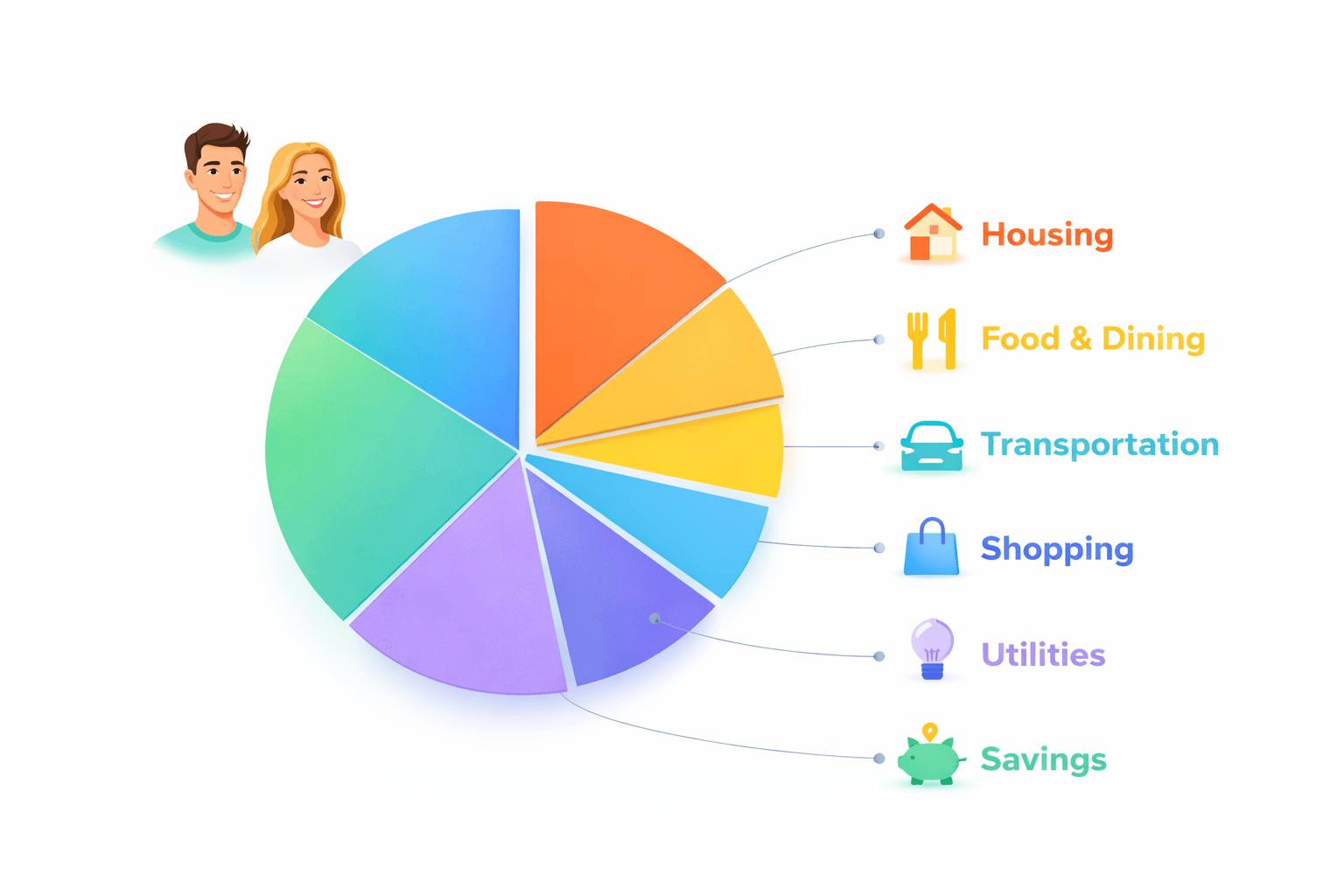
Spending charts can look random even when your habits are stable. A single week may spike because an annual renewal posted, a pending transaction finalized late, or a refund landed in the next cycle.
If charts keep surprising you, the answer isn't to ignore charts. It's to read them with transaction context. Most "wrong" spikes have understandable causes once you separate behavior from posting mechanics.
The four common spike drivers
Annual renewals, delayed posting, credit card cycle effects, and clustered one-off purchases account for most spikes.
Each has a different implication: some need action, some only need interpretation.
Pending vs posted timing distortion
Pending charges can sit for days and then post together, creating an artificial spike in one date range.
This is normal merchant behavior, but it can mislead if you make decisions before posting settles.
Refunds and reversals across month boundaries
When a purchase posts in one month and the refund posts next month, one period looks inflated and the next looks unusually light.
Category trend reading improves when you annotate these timing offsets.
When a spike is a real warning
Repeated spikes in the same category or merchant cluster usually indicate behavior drift worth addressing.
One isolated spike tied to annual renewals or delayed posting is usually informational, not an emergency.
Interpretation routine in five minutes
Start at the chart, then drill into top contributing transactions, check pending/posted status, and tag one-off items.
Only after that should you decide whether to change limits or routines.
Spike interpretation checklist
- Identify top transactions driving the spike.
- Check pending versus posted status and posting dates.
- Tag annual renewals and one-time charges.
- Look for matching refunds or reversals in adjacent periods.
Helpful next reads
Two spikes that looked scary but meant different things
Example 1: Annual renewal spike
A software renewal of $239 posted on the 3rd, making monthly shopping look 28% higher week one. The rest of the month stayed normal and no behavior shift occurred.
Interpretation: one-time fixed cost, not recurring overspending.
Example 2: Refund crosses month boundary
A $180 apparel purchase posted on Jan 30, refund posted Feb 4. January chart looked inflated, February looked unusually low. The net behavior across both months was close to baseline.
Interpretation: timing artifact, not trend reversal.
Common mistakes
- Changing budgets immediately from chart spikes without reviewing transactions.
- Ignoring annual renewals and then misclassifying them as behavior drift.
Pro tips
- Keep a tag for one-off expenses so future chart reviews are faster.
- Compare spikes against the same period last quarter to reduce overreaction.
How Stitch helps you read spikes without panic
Stitch combines chart-level trends with transaction-level detail so you can validate spikes quickly. Spending and Transactions views help separate real behavior change from posting artifacts.
Recurring visibility also flags annual renewals before they distort interpretation. That keeps weekly decisions tied to context instead of chart shock.
Frequently asked questions
Why does my spending chart jump in one week?
Common causes include annual renewals, delayed posting, refunds timing, and clustered one-time purchases.
Are chart spikes always bad?
No. Some spikes are expected timing effects rather than harmful behavior changes.
How do refunds affect trend charts?
Refunds can offset a purchase in a later period, making one month look high and the next low.
Should I ignore pending charges?
You should monitor them, but final decisions are best made once posting settles.
How do I know a spike is real?
Repeated category spikes across multiple cycles usually signal a true pattern.
Can Stitch explain spike sources quickly?
Yes. Drill from Spending charts into Transactions to identify the exact drivers in minutes.