
Money news you can use
How to cancel a paid budgeting app without losing your money history
Most cancellation regret comes from rushing. This migration plan keeps your historical context intact.
Stitch Money Editorial Team · Published March 23, 2026
Editorial policy and correction standards
- Shows a staged cancellation and migration process
- Protects recurring and category continuity
- Prevents historical-data panic after cutoff
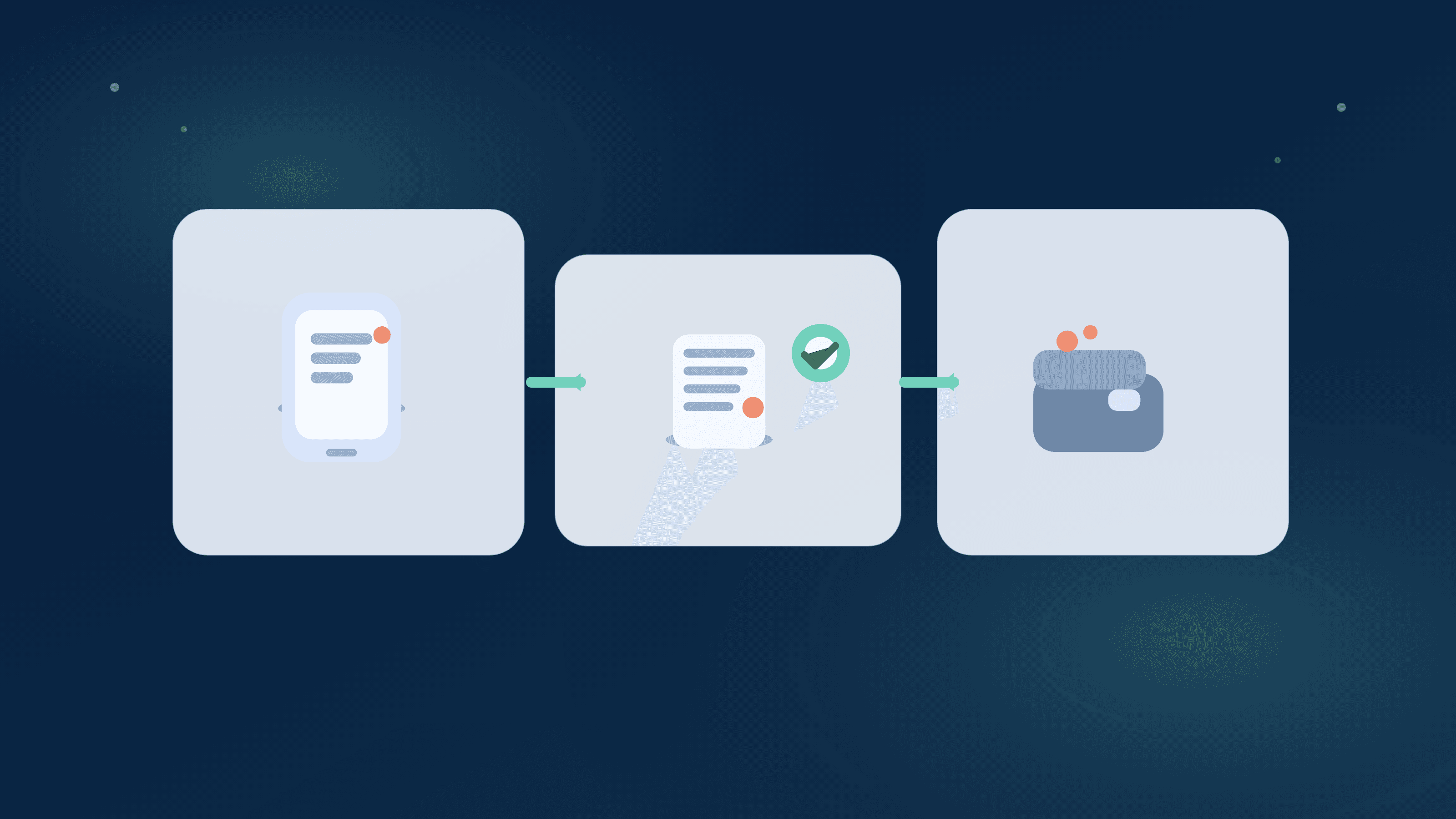
Canceling a paid budgeting app sounds simple until you lose category history, recurring setup, or confidence in month-to-month comparisons. That's why people delay the decision and keep paying.
You can cancel safely with a staged process: export, validate, overlap, then cut over. The key is proving parity first so your weekly planning doesn't collapse after cancellation.
What people lose when they cancel too fast
The common losses are category context, recurring labels, and transaction notes that made old reports meaningful.
Without those, your first month on a new setup can feel like starting from zero.
Export first, cancel later
Export what you can before touching billing settings. Keep a local copy of transactions, categories, and recurring lists if available.
Treat export as insurance, even if the new platform imports cleanly.
Run one overlap cycle
Keep the paid app active through one real bill cycle while you validate recurring and categories in the new setup.
Overlap costs a little, but it prevents costly mistakes and blind spots.
Validate parity with a tight checklist
Confirm top merchants, recurring due dates, and category trends match expected patterns. You don't need perfect line-by-line parity on day one.
You do need enough confidence to make weekly decisions without guessing.
Cancel deliberately and document it
After parity checks pass, cancel using official billing channels and store confirmation details with date and amount.
This keeps you protected from accidental renewal surprises.
Safe cancellation checklist
- Export account history and key category context before cancellation.
- Validate recurring due dates and top merchants in the new setup.
- Keep one overlap cycle for confidence and error correction.
- Cancel through official billing channels and save confirmation records.
Helpful next reads
Two migration outcomes
Example 1: Fast cancellation gone wrong
A user canceled on the same day they installed a replacement app. They discovered six missing recurring labels and had no clean historical reference.
They spent two weekends rebuilding context they could've preserved with a one-cycle overlap.
Example 2: Planned cutover
Another user exported 18 months of data, validated 25 recurring charges, and ran 21 days of overlap before canceling.
Their first month post-cancellation stayed stable with no missed bills and clear category continuity.
Common mistakes
- Cancelling before exporting key historical context.
- Skipping overlap because it feels like wasted spend.
Pro tips
- Prioritize the top 20 merchants and all recurring charges for parity checks.
- Set a specific cutover date and complete all checks before that date.
How Stitch helps
Stitch gives you a free destination workflow to validate transactions, recurring patterns, and spending trends before cancelling your paid app.
Patch support also helps shared households verify cutover status together so nobody assumes migration is done too early.
Frequently asked questions
Can I cancel a paid budgeting app without losing everything?
Yes, if you export first and run a short overlap while validating core recurring and transaction context.
How long should overlap last?
Usually one full bill cycle or two to three weeks, depending on your recurring schedule.
What data should I prioritize exporting?
Transaction history, category labels, recurring bill markers, and notes tied to major spending patterns.
Is same-day cancellation ever a good idea?
Only if you've already completed parity checks and don't rely on historical context from that platform.
Should couples migrate together?
Yes. Shared visibility prevents one partner from assuming setup is complete when it isn't.
Can Stitch help during migration?
Yes. Stitch's free workflow is useful for parity testing before you cancel.